Geo 第6页
Geology & Exploration,Drilling And Workover softwares.

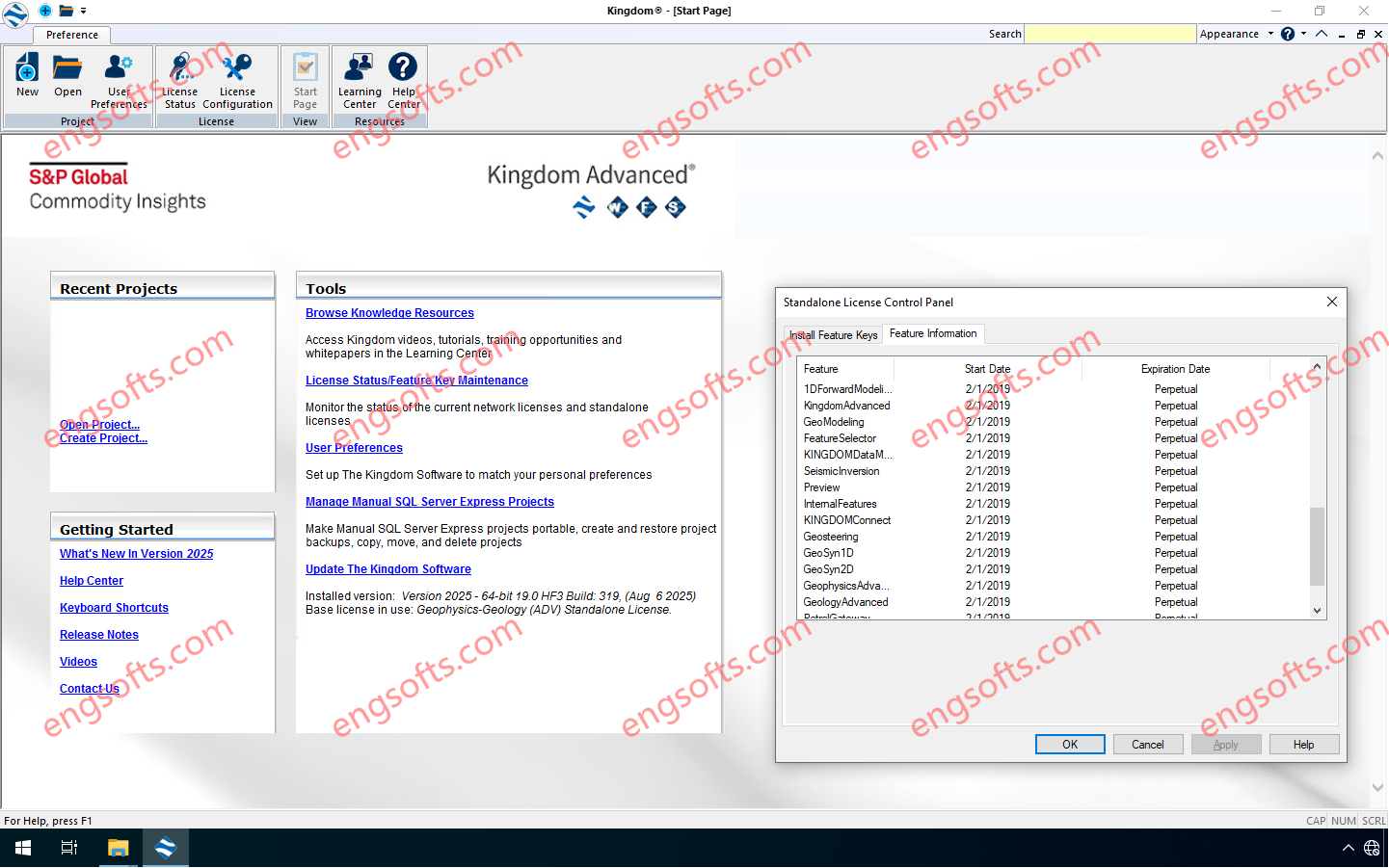
Kingdom 将地球科学、地球物理学和工程学整合到一个易于使用的软件解决方案中,使资产团队能够从勘探到完工的各个阶段做出更自信、更快速的决策。我们的解决方案经过简化,让您能够以经济实惠的价格、易于学习和安装的先进地球科学/科学工具,并获得卓越的支持和培训。”Advanced“完整版,而不仅仅是”Core“版本。” Available versions: 2025.x ,2024.x ,2023.x ,… IHS Kingdom Advanced 2025 v19.0 HF3 Tested Picture 推进 Kingdom 2025 中的勘探和常规工作流程: 深度合成校正 高级体积分析 CNN 断层属性 – 多方向预测性能改进 区域数据管理改进 通过单点登录将 Spatial Explorer 与 ArcGIS Online 集成 VelPAK、反演和 LogToVolume 的增强功能 What’s New in IHS Kingdom 2025 SP1 More Information in English: IHS Kingdom Advanced 2025SP1 v19.1
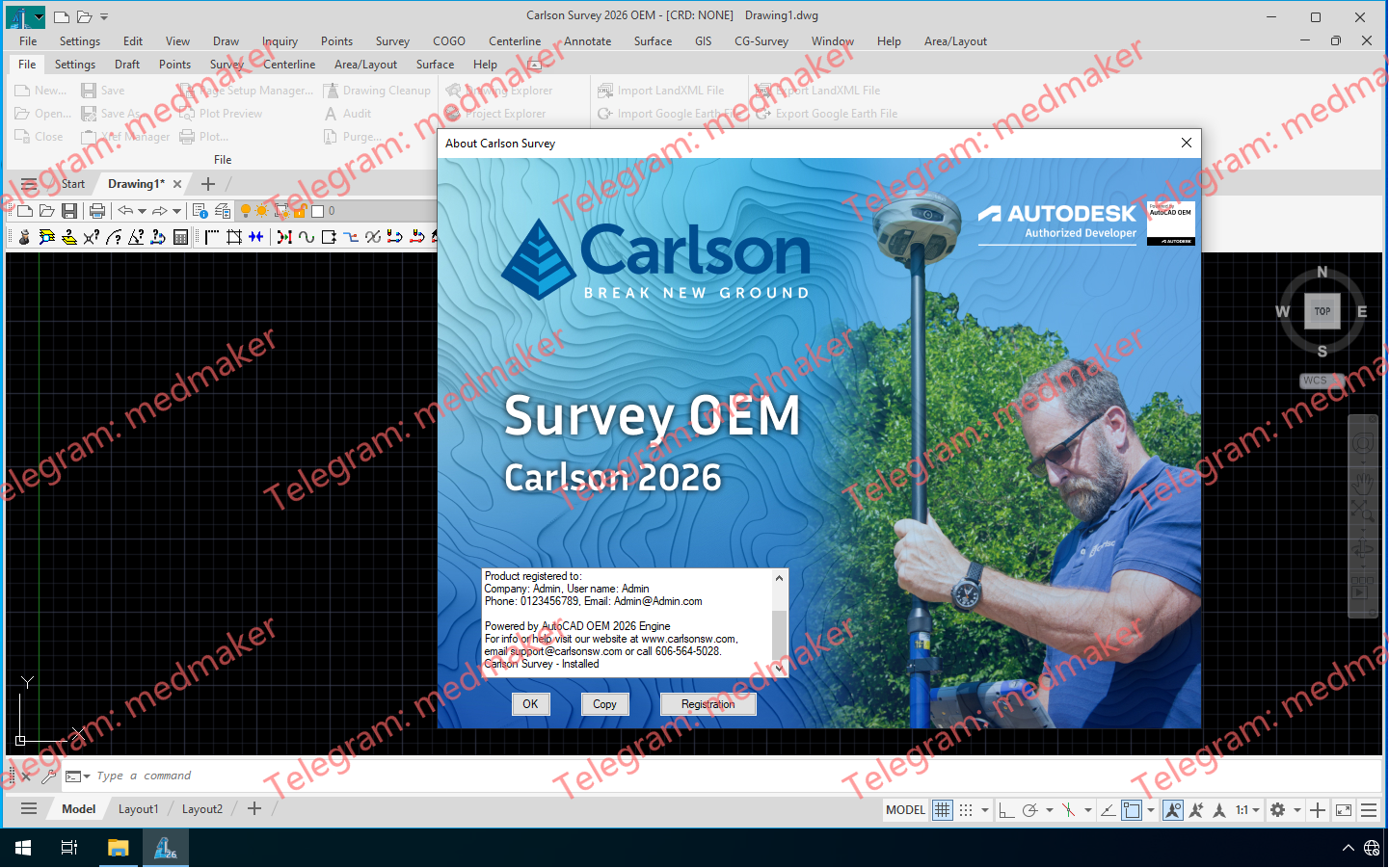
Carlson Survey OEM 2026 是一款高级土地测量 CAD 软件,专为需要强大的曲面建模、COGO 工具和无缝 CAD 文件兼容性的土地测量专业人士而设计,并内置了 AutoCAD 2026 引擎。Carlson Survey OEM 2026 内置了 AutoCAD 2026 引擎,使用户无需单独订阅 AutoCAD 即可使用 AutoCAD。 可用版本:2026.x , 2025.x , … Carlson Survey OEM 2026 Tested Picture 无论您是进行边界测量、地形测量还是施工测量,Carlson Survey 集成 AutoCAD 都能提供您所需的所有 CAD 设计工具,助您高效完成专业级测量工作。 市场上最强大的土地测量软件,全球领先的 CAD 软件…… 导入和导出为 DWG、DGN、DXF、LandXML 文件格式 完整的 COGO 和现场到竣工解决方案 全面的等高线绘制、3D 曲面建模、法律描述编写、注释和中心线命令 通过 Carlson LotNET 实现自动化细分开发和布局 More Information in English: Carlson Survey OEM 2026
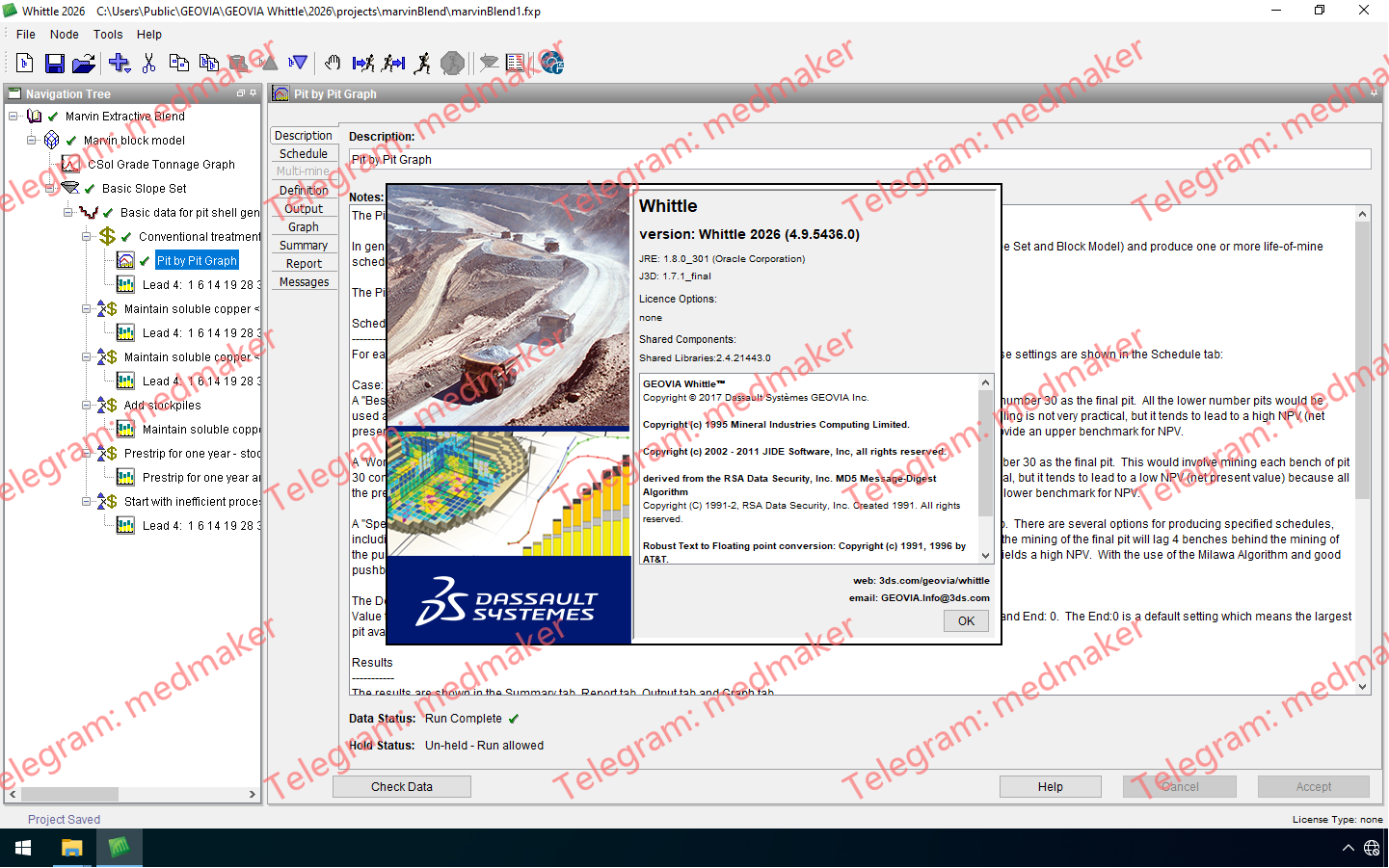
Whittle 2026带来了关键增强功能,旨在强化数据互操作性并简化矿山优化工作流程——这正是我们持续努力的一部分,旨在确保达索系统(Dassault Systèmes)旗下各解决方案之间的数据互通,并支持开放格式。 可用版本: 2026.x ,… GEOVIA Whittle 2026 v4.9 Whittle 2026 的主要亮点包括: 导入 OMF 块体模型:现已兼容开放采矿格式(OMF,版本 2.0),从而提供了更高的开放性和灵活性。 导出为 Surpac .MDL 文件:实现了 Whittle 与 Surpac 之间的无缝连接。 许可机制更新:GEOVIA 许可机制(包括物理加密狗)现已停用;达索系统许可服务(DSLS)现已成为标准配置。 性能现代化:Whittle 现已全面采用 64 位引擎运行,显著提升了系统的稳定性和处理能力。 More Information in English:GEOVIA Whittle 2026 v4.9
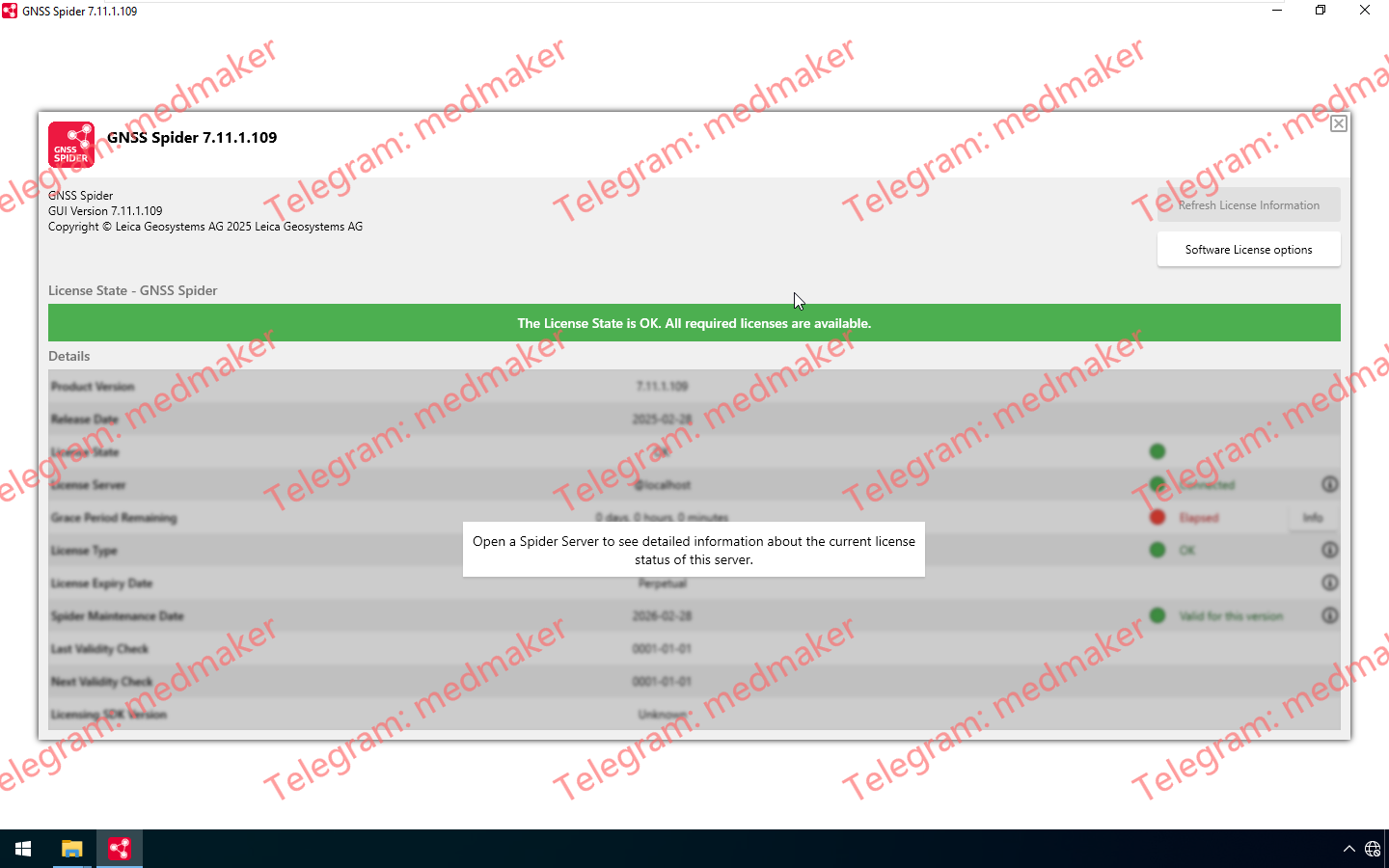
Leica GNSS Spider旨在与部署在一个或多个永久参考站的Leica GR/GM系列、GNSS系统1200、GPS系统900、GPS系统500或其他第三方硬件协同工作。Leica GNSS接收机支持完全控制和配置。 可用版本: 7.11.x , 7.9.x… Leica GNSS Spider 2025 v7.11 借助GNSS Spider,您可以通过一个为GNSS原始数据文件、DGPS、RTK和网络RTK提供服务的站点网络,为局部区域(城市、市政、社区、矿山、建筑工地等)以及整个地区、州或国家提供GNSS服务。 More for English: Leica GNSS Spider 2025 v7.11
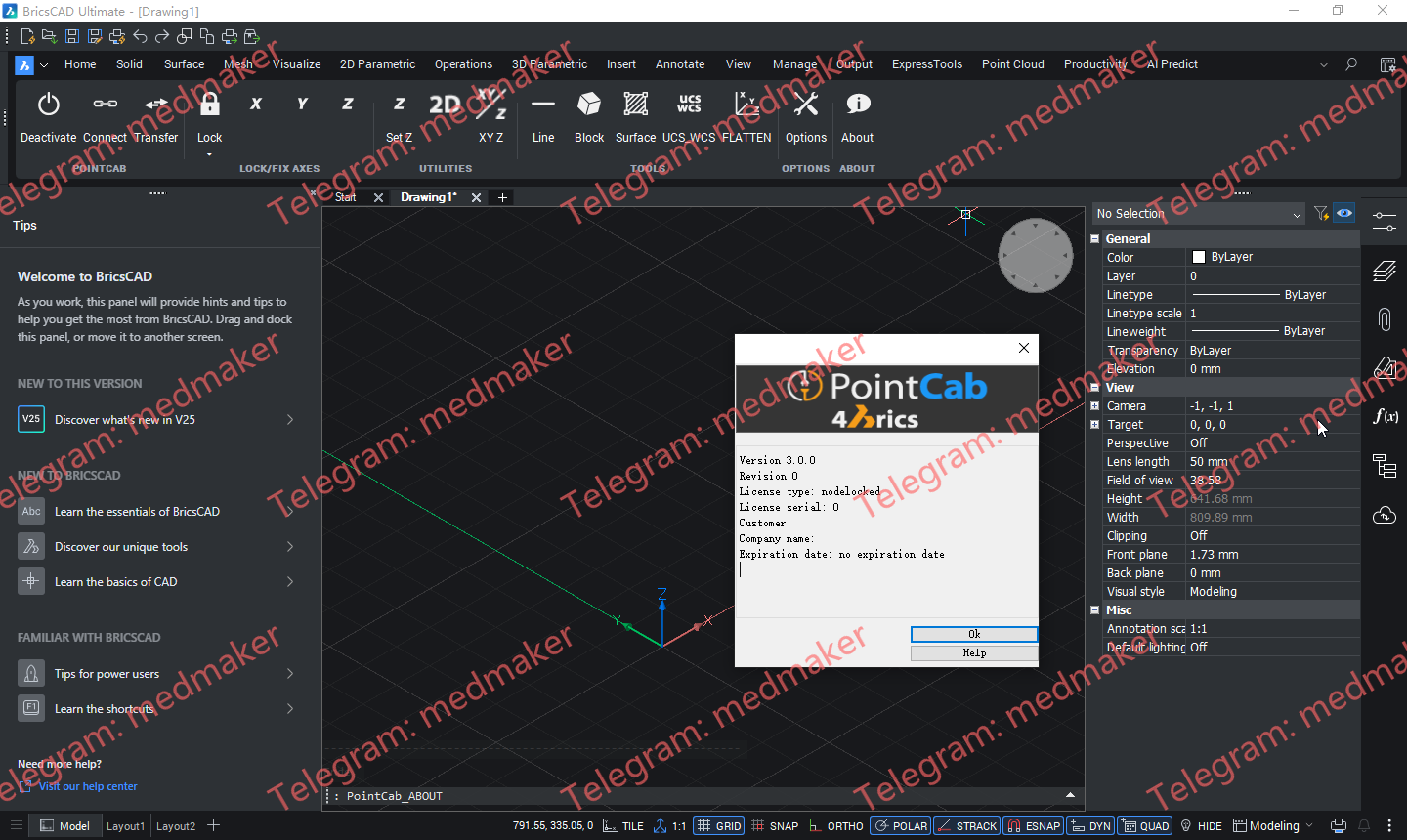
POINTCAB 4BRICS 插件(PointCab BricsCAD 插件)我们的 BricsCAD 插件为 BricsCAD 中的点云建模提供了最便捷的工作流程之一。 可用版本: 3.x , 2.x ,… PointCab 4BricsCAD 3.0 Tested Picture 插件功能简介: 无需导出/导入点云数据 直接传输线、圆等 直接传输 3D 信息 正确定位自定义模板 与其他 CAD 软件兼容的数据转换 无需在点云中导航 兼容 BricsCAD Pro Platinum 22-26 版本 More Information in English:PointCab 4BricsCAD 3.0 Testing Video
Maptek Workbench is the central place to access and manage all of your Maptek desktop applications. It offers the following key benefits: Single integrated workspace Access all of your Maptek applications within a single, consistent interface. Open multiple applications and tools simultaneously and share data easily between applications. Customise Workbench to suit your needs. Maptek Account integration Straightforward licensing and management of licensed applications, including downloading and upgrading to latest application versions. Maptek Extend Get more out of your Maptek applications by taking advantage of Maptek Extend features including Maptek Workflows and Maptek Python SDK.
Maptek Vulcan plays a critical role from the very start of the mining process – commencing with exploration and geological modelling, ranging through mine design and scheduling to rehabilitation. Powerful block modelling and integrated tools for survey, drill and blast, grade control, geotechnical analysis, geostatistics, scheduling and optimisation make Vulcan the complete mining software package. Vulcan can manage and visualise very large and complex data sets, process the information and rapidly generate models. Sophisticated algorithms and fast processing allow virtually instant validation of data for building and maintaining up-to-date models of a deposit.
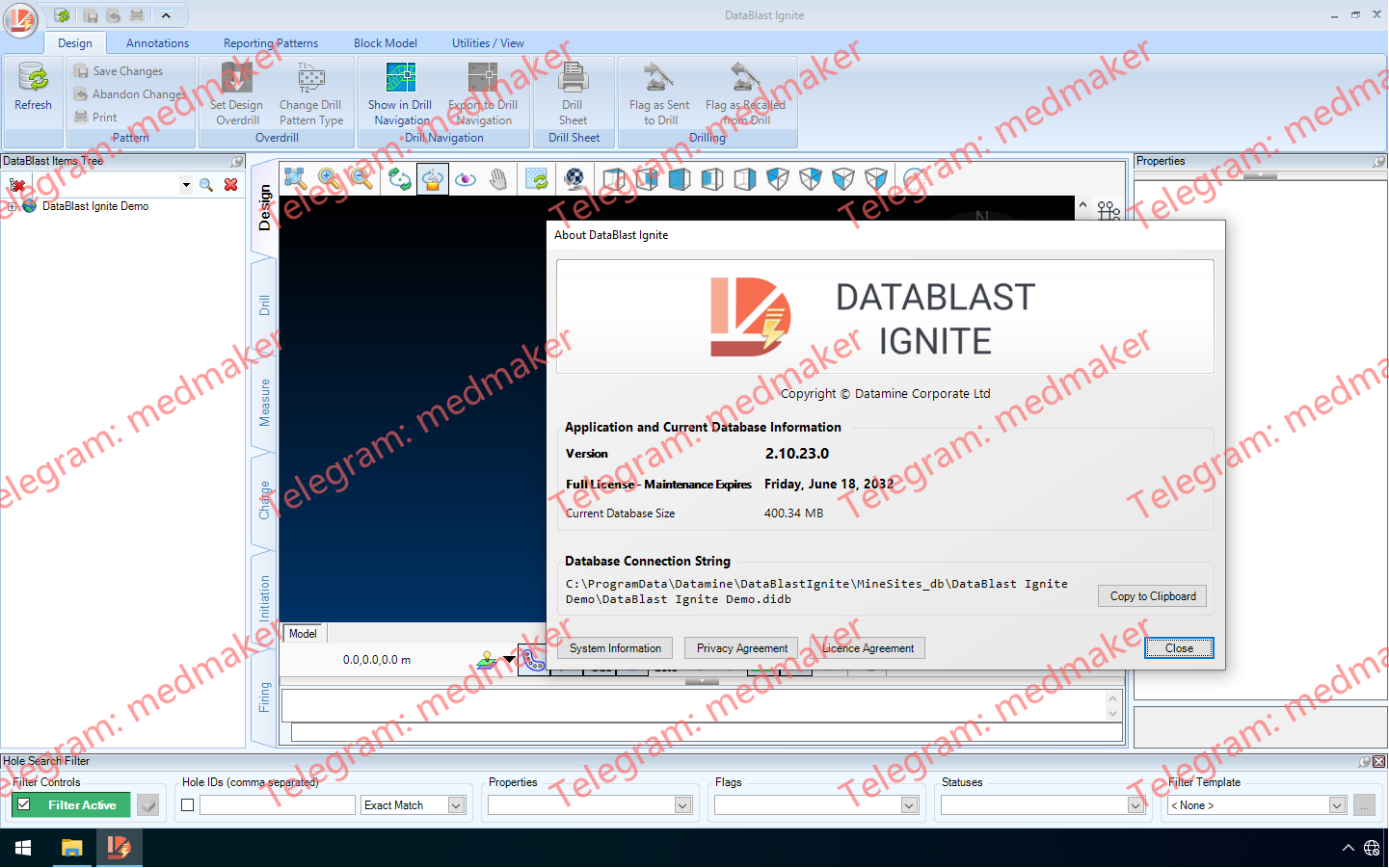
DataBlast 2.10 版本为 DataBlast Pro 引入了全新的模块化许可系统,支持 Ignite 中更高效的数据库格式,并针对钻孔和爆破工作流程进行了一系列针对性增强。这些更新旨在让您在现场配置、使用和维护 DataBlast 时拥有更大的灵活性。 可用版本: 2.10.x , 2.9.x ,… Datamine DataBlast 2025 v2.10 DataBlast 2.10的主要变化是为 DataBlast Pro 引入了新的许可模式。新的 Pro Starter 许可提供基础安装,并可选配 BlastPad 支持、钻孔导入和报告功能等附加组件——如果您只需要部分功能,这将是理想之选。原有的 Pro Core 许可仍然可用,默认包含所有功能。您现在还可以单独购买额外的工作站或 BlastPad 许可。DataBlast Ignite 仍然按机器授权,并保留其单用户模式。 此版本还将 DataBlast Ignite 的数据库格式更改为 SQLite,从而取消了之前 10 GB 的数据库大小限制。此更改旨在实现无缝衔接,备份和恢复流程会自动处理从 LocalDB 格式到 SQLite 格式的转换。 得益于高级矿场设置中的两个新选项,回填计算现在更加灵活。简化的回填模式允许您生成回填表,而无需创建完整的回填模式,从而降低了简单作业的复杂性。此外,您现在可以使用任何可用的测量深度来计算回填量,而不再局限于倾角深度。这些改进使回填工作流程更容易适应不同的现场要求。 起爆设计也得到了增强,以支持更安全、更直观的规划。新增的“起爆半径”选项会突出显示在同一延迟窗口内且位于用户定义范围内的钻孔,从而有助于标记潜在的高能相互作用。这些视觉警告使评估爆破安全性更加容易。“雷管/导爆索选择”屏幕已简化,一次仅显示两个级别,减少了滚动浏览产品列表的时间;时间导出现在遵循您的 Windows 区域设置,以提高兼容性。 DataBlast 2.10 中“每延迟层数”的起爆半径内可设置多个钻孔 钻机界面也进行了多项改进。DataBlast 现在包含一个新的 WencoMine 连接,可提供直接数据库访问,并具有自动重新处理和时间戳跟踪功能,从而在 Pro 中更可靠地导入钻孔日志。此新界面是对更名后的 WencoLite 选项的补充,并且配置设置已重新组织,以提高清晰度。由于 DataBlast Ignite 平台不支持钻井数据导入,因此其配置界面已得到简化。 其他模块改进包括:导入块模型和图形时支持新的 Datamine .dmx 文件格式,该格式允许使用扩展属性、Unicode 字符并减小文件大小。钻井处理新增了忽略无效井口或井底 GPS 位置的选项,从而更轻松地处理不一致的测井数据。此外,该版本还进行了多项界面优化,例如“关于”屏幕上更清晰的许可信息以及维护期间更清晰的井眼过滤器显示,这些都为用户体验的提升提供了周全的改进。 More Information in English: Datamine DataBlast 2025 v2.10
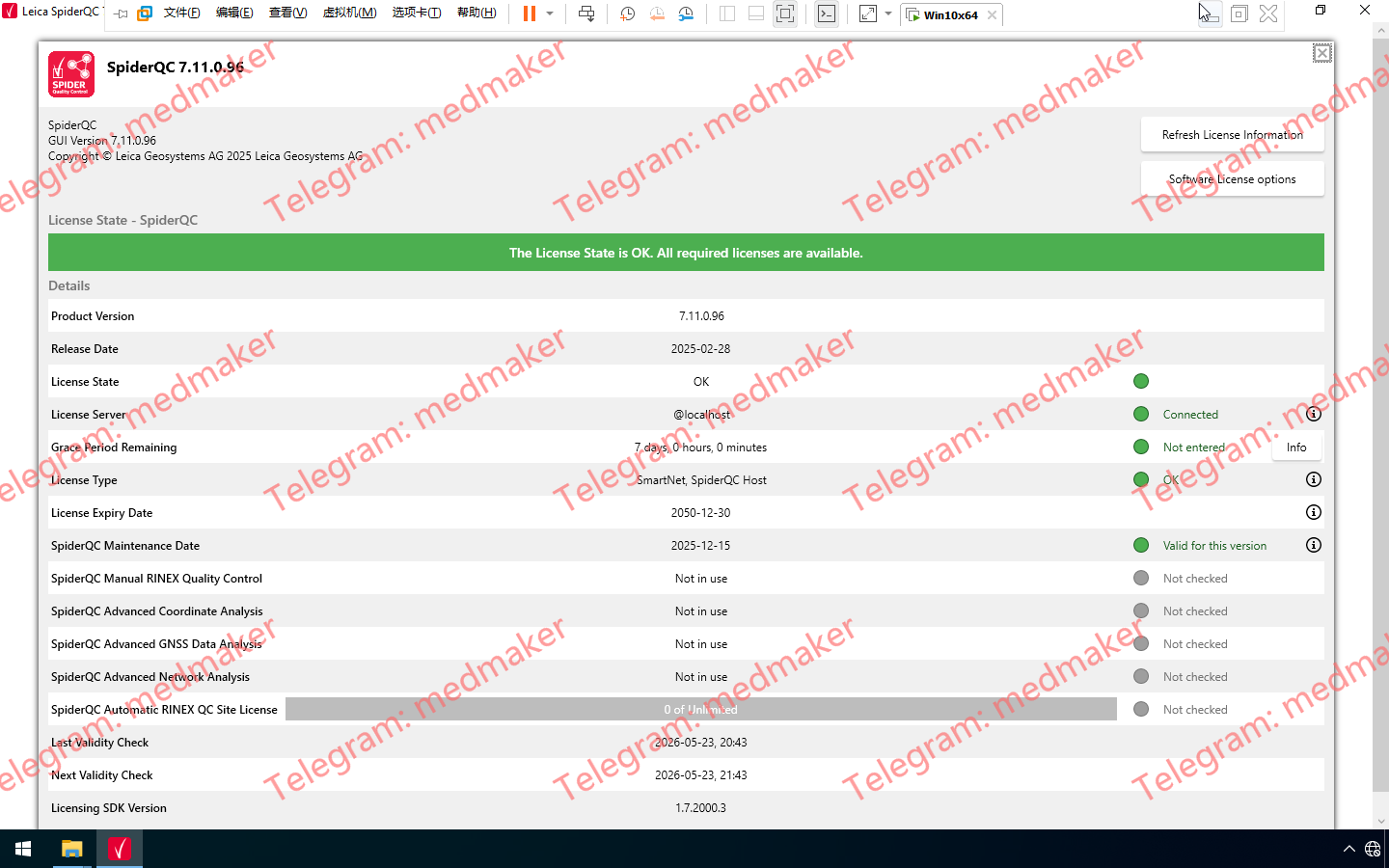
Leica SpiderQC 是一款用于 GNSS 参考站网络质量控制和性能分析的软件。 可用版本: 7.11.x , 7.9.x… Leica SpiderQC 2025 v7.11 Leica SpiderQC 是一款多用途 GNSS 数据分析工具,可用于: 站点评估和质量控制 网络 RTK 性能监测 参考站完整性监测 形变监测 RINEX 数据管理(数据拼接、抽取) More for English: Leica SpiderQC 2025 v7.11
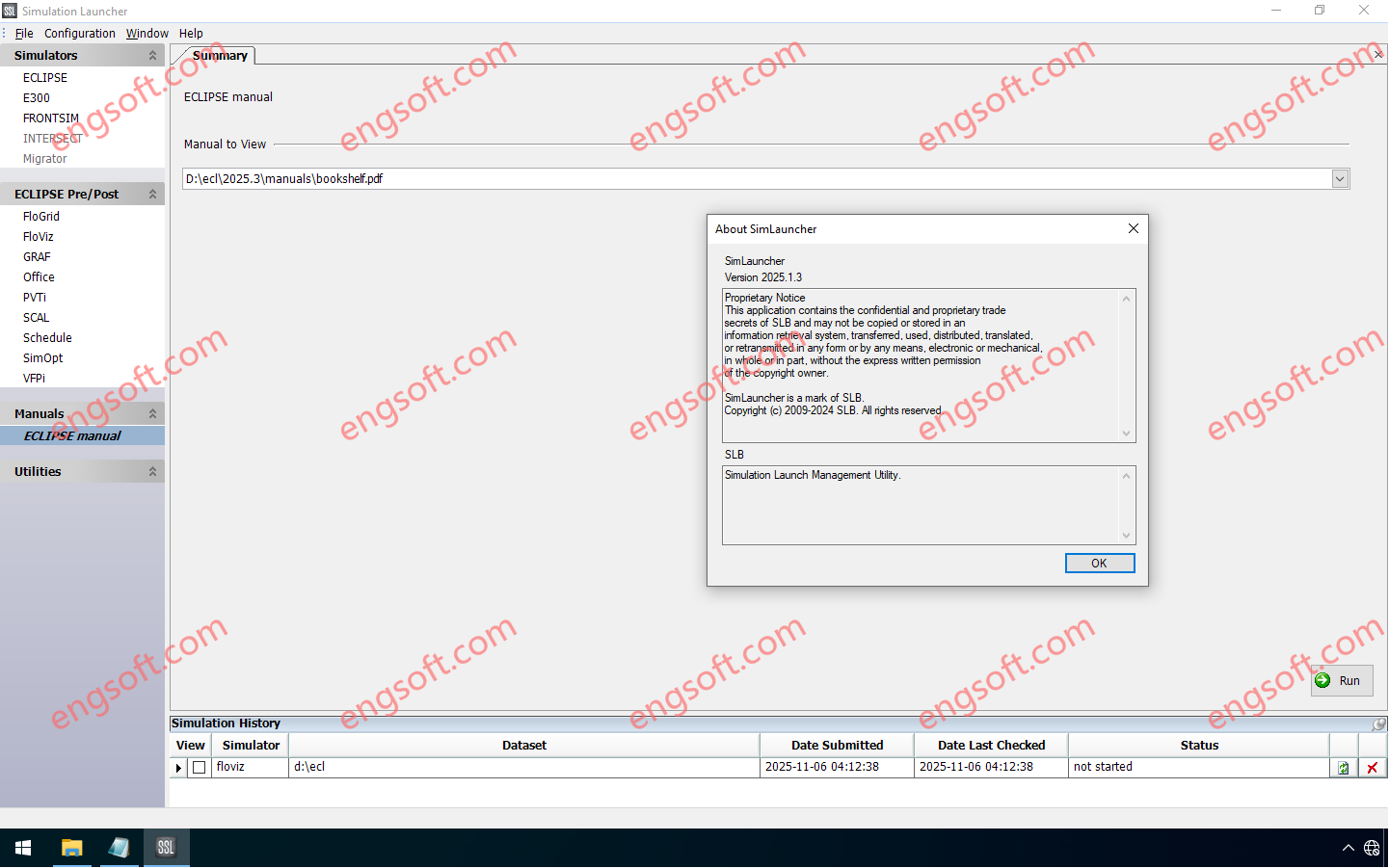
The Eclipse industry-reference reservoir simulator offers the industry’s most complete and robust set of numerical solutions for fast and accurate prediction of dynamic behavior for all types of reservoirs and development schemes. The Eclipse simulator has been the benchmark for commercial reservoir simulation for more than 25 years thanks to its extensive capabilities, robustness, speed, parallel scalability, and unmatched platform coverage. Available versions: 2025.x , 2024.x , 2023.x ,… Schlumberger Petrel and Studio 2024.9 Tested Picture The Eclipse 2025.3 release includes developments enhancing the performance, usability and functionality of the simulators. Eclipse 2025.3 Release updates Flexible well modeling with additional user defined argument (UDA) support Additional UDA support has been given to the WELPI keyword. This keyword helps directly define...