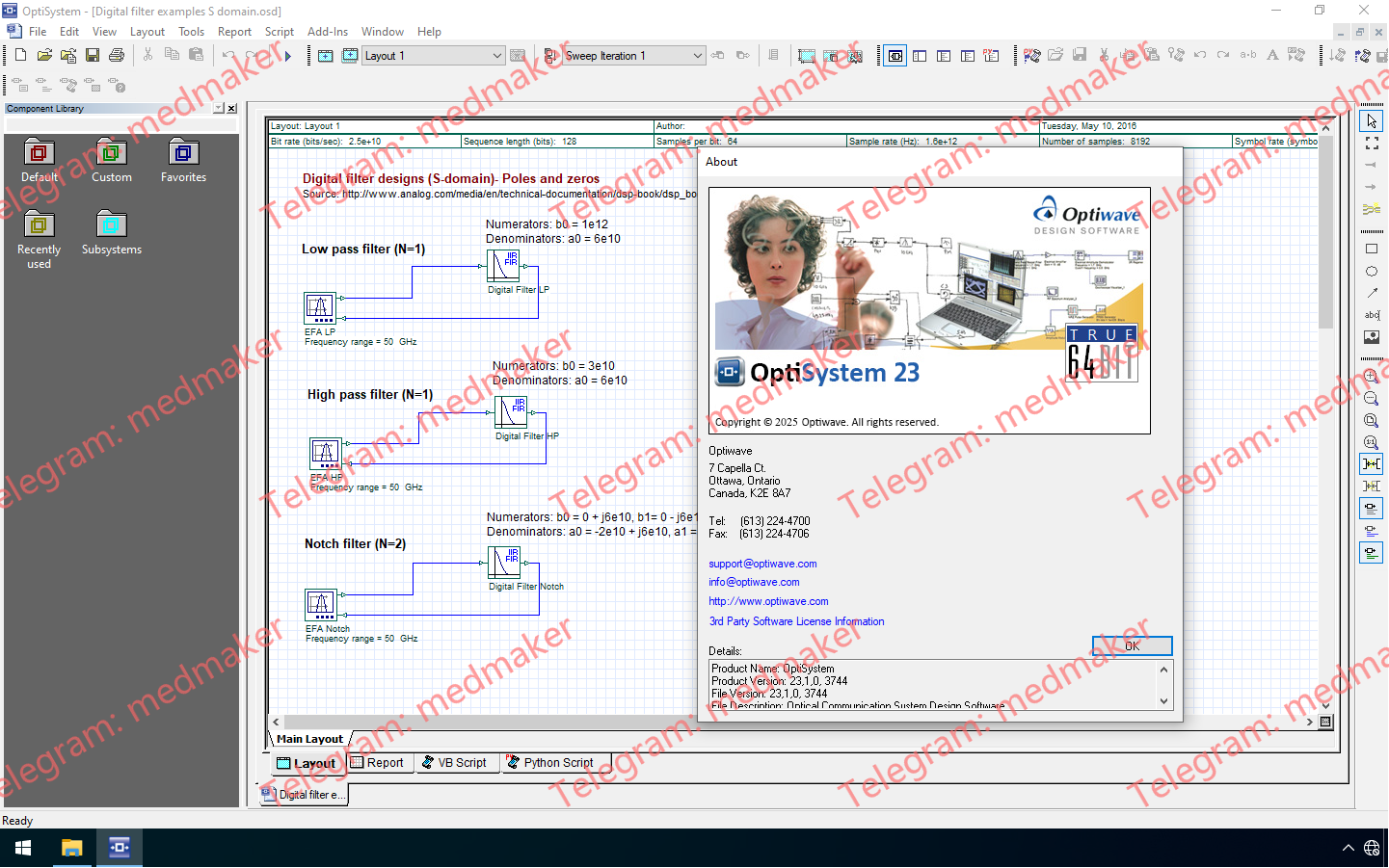
Optiwave 发布了 OptiSystem 23.1,这是其光学系统仿真平台的一次重大更新,具有先进的光子集成电路 (PIC) 设计/系统表征工具、机器学习功能和工作流程改进。 可用版本: 23.x , 22.x , 21.x , … Optiwave OptiSystem 23.1 OptiSystem 23.1通过为研究人员和工程师提供增强的远程链路建模和多级信号处理工具,解决了下一代光网络日益复杂的问题。 OptiSystem 23.1的主要特性: 扩展的卫星和自由空间光通信(FSO)能力:引入了新的卫星FSO信道组件,以模拟上行链路、下行链路和卫星间链路的光信号传输。这得益于新的空间光束扩展器和空间光束准直器,它们为设计人员提供了在通过无人机和卫星信道传输过程中对光束扩散和入射的卓越控制。 高速信号分析(PAM4/PAM8):为满足现代数据中心的需求,误码率分析仪和眼图分析仪现在包含用于多级信号分析的参数,从而能够准确表征PAM4和PAM8调制信号。 高级激光雷达处理:激光雷达信号处理器已更新,增加了用于飞行时间(ToF)方案的动态参考端口,便于对多个脉冲进行精确距离计算。库中还添加了新的激光雷达系统示例,以加快设计周期。 改进的机器学习和脚本工作流程:新增了Python控制台,用于显示Python脚本的执行进度。此外,软件现在会在执行VB和Python脚本之前自动清理画布,以防止布局重复。 增强的可视化和用户界面:所有可视化工具都已更新,单位和参数的面板更大,有效数字位数减少以提升清晰度,并新增了单位以简化大型数值数据的查看。 通用光时域反射计(OTDR)组件:新的通用OTDR组件允许用户通过灵活控制调制过程来研究发射脉冲条件。 More Information in English: Optiwave OptiSystem 23.1 Testing Video
Optiwave OptiMode 5.0—a sophisticated CAD platform designed for optimal waveguide structures. OptiMode empowers engineers and researchers with precise modal analysis, offering insights into mode characteristics, profiles, and effective indices. Key Features of OptiMode: Modal Analysis Mastery: OptiMode serves as a pivotal component for precise modal analysis, allowing users to identify supported modes and determine critical characteristics such as mode profiles and effective indices. Versatile Applications: OptiMode supports a wide range of applications, including single mode (SMF) and multimode (MMF) fibers, planar waveguide design, and complex profiles like Multicore fibers (MCF) and hollow core fibers (HCF). Seamless Integration: Available as a stand-alone application and integrated into Optiwave’s propagation tools, OptiFDTD and OptiBPM, OptiMode enhances design workflows through modal injection in source...
OptiInstrument, developed by Optiwave in collaboration with EXFO, addresses the need to automate instruments for researchers, scientists, photonic engineers, professors, and students. OptiInstrument provides a simple, efficient, and user-friendly way to manage multiple applications. KEY FEATURES User-friendly GUI that operates from a single window Remote operation and control of instruments Execute one or a sequence of SCPI commands Import sequences and script files Reorder commands, add loops and pause from a preconfigured list Generate Python script from a sequence of commands Edit and run Python code using the built-in editor Show graph or table view of data signals Save results of executed SCPI commands in a CSV or JSON file Run preformatted scripts to automate optical measurements using EXFO equipment NEW...