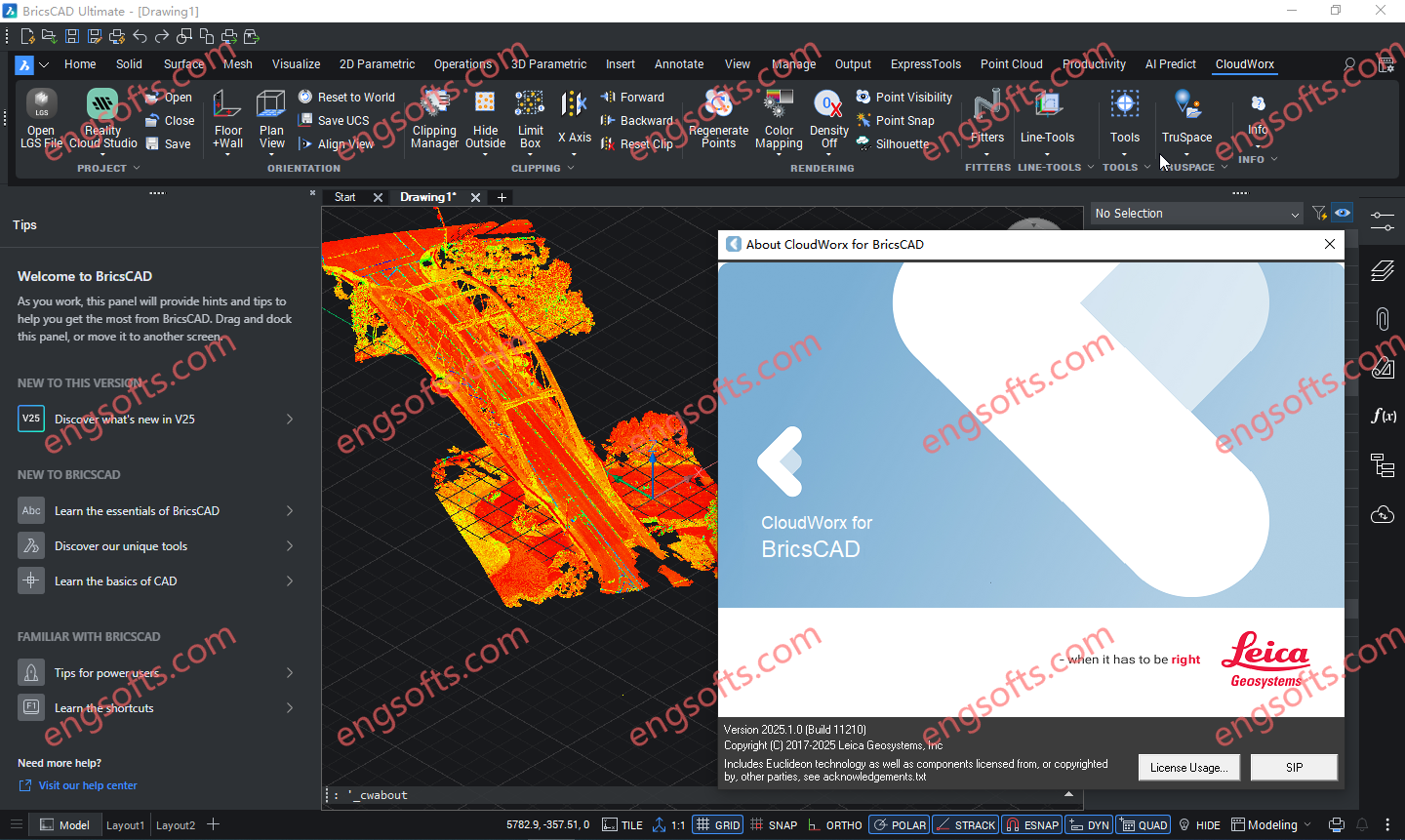
Leica CloudWorx for BricsCAD 为用户提供了一种途径,可以直接在 BricsCAD 中从存储在 Leica Cyclone 中的点云开始建模或创建线形。 可用版本: 2026.x , 2025.x , 2024.x ,… Requirement:BricsCAD V22 – V26 Leica CloudWorx 2025.1.0 for BricsCAD v22-25 Tested Picture CloudWorx for BricsCAD 可为各种规模的公司节省大量时间,使用户能够更高效地工作,而非更辛苦地工作,从而获得专业级的成果。智能自动化功能通过以下工具,为最常用的工作流程带来速度和便捷性: 自动线材辅助 地面平整度/水平度例程 钢材和管道目录,可高效地将对象添加到项目中 More Information in English: Leica CloudWorx 2026.0.0 for BricsCAD v22-25
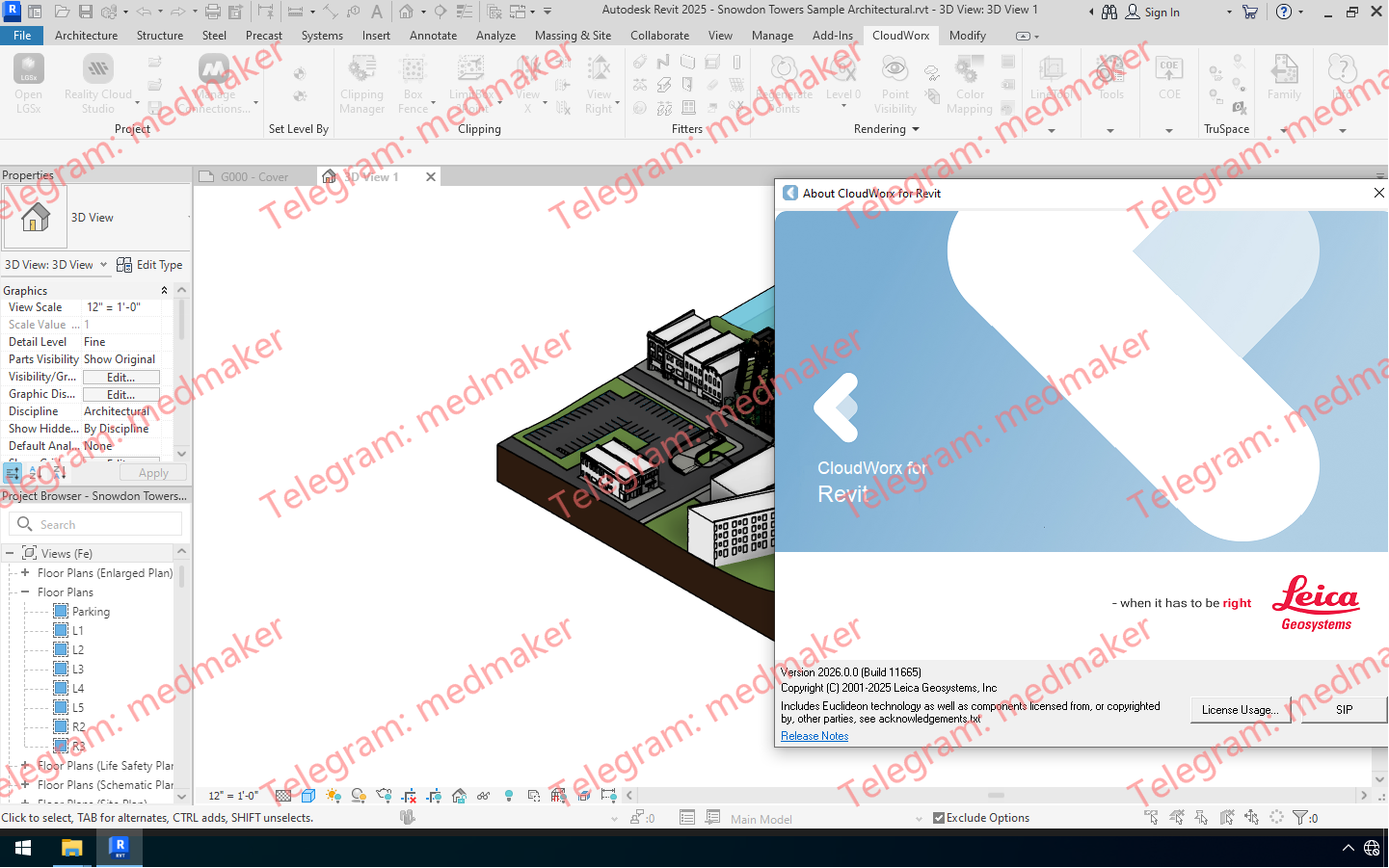
Leica CloudWorx for Revit 是一款突破性的插件,可将激光扫描仪采集的丰富的竣工点云数据直接导入 Revit,从而高效地进行现有建筑的 BIM 建模。该插件适用于各种 BIM 活动,包括改造设计、施工和运营,以及建筑物的全生命周期资产管理。它可在 Revit 中提供现场虚拟参观体验,并完整呈现采集到的实景数据。 可用版本: 2026.x , 2025.x , 2024.x ,… Requirement:Revit Architecture, MEP and Structure 2023 – 2026 Leica CloudWorx 2026.0.0 For Revit 2023-2026 Tested Picture 用户可以利用熟悉的 Revit 界面和工具,快速掌握激光扫描数据的使用方法。Leica CloudWorx 以及功能强大的 Leica Cyclone 和全新的 Leica JetStream 点云引擎,使 Revit 用户能够高效地可视化大型点云数据集,并创建 BIM 模型。用户可以直接在 Revit 中享受高性能点云应用程序的所有优势。 CloudWorx for Revit 中的其他工具可实现钢材、法兰、管道和二维线的精确拟合,以及墙体、楼板、结构构件、门窗、机械设备等的放置。此外,CloudWorx for Revit 还支持直接从 Cyclone 导入 COE 模型,以及将 Revit 模型导出为 COE。这使得用户可以将轻量级的 Revit 模型导入 Cyclone 进行进一步分析,或将模型发布到 TruViews 中。 功能和优势 可选的 LGS 文件、Cyclone、JetStream 或 ReCap 数据源 JetStream 和 LGS 提供比其他数据源更快捷、更清晰的查看体验 在 Revit 中使用来自任何激光扫描仪或点云生成 3D 传感器的点云 无需耗时的点云文件格式导出/导入流程 更快地操作和浏览大型点云数据集,包括切片、截面和边界框 从点云拾取中放置任何 Revit 模型项(墙、楼板、结构构件等) 钢结构、法兰、自动管道和 2D 线型装配 用于智能竣工图的目录装配 对“不垂直”墙体进行建模 Cyclone COE 模型支持直接导入/导出 碰撞管理器,用于碰撞和防碰撞检测,并提供导出工具,方便生成报告 直接从点云设置建筑标高 从点云设置工作平面 自动查找管道、圆形风管和柱子的中心线和直径 保存项目环境设置 TruSpace 图层:RGB、HDR、灰度强度、色调强度、带温度数据的红外图像 完全支持徕卡测量系统通用数字现实文件 (LGS),包括:图层、地理标签、资产等。 将点云与模型对齐,轻松将扫描的竣工条件与模型的设计意图相结合。 支持以下语言:英语、法语、德语、意大利语、西班牙语、日语、简体中文和繁体中文、俄语,韩语。 More Information in English: Leica CloudWorx 2026.0.0 For...
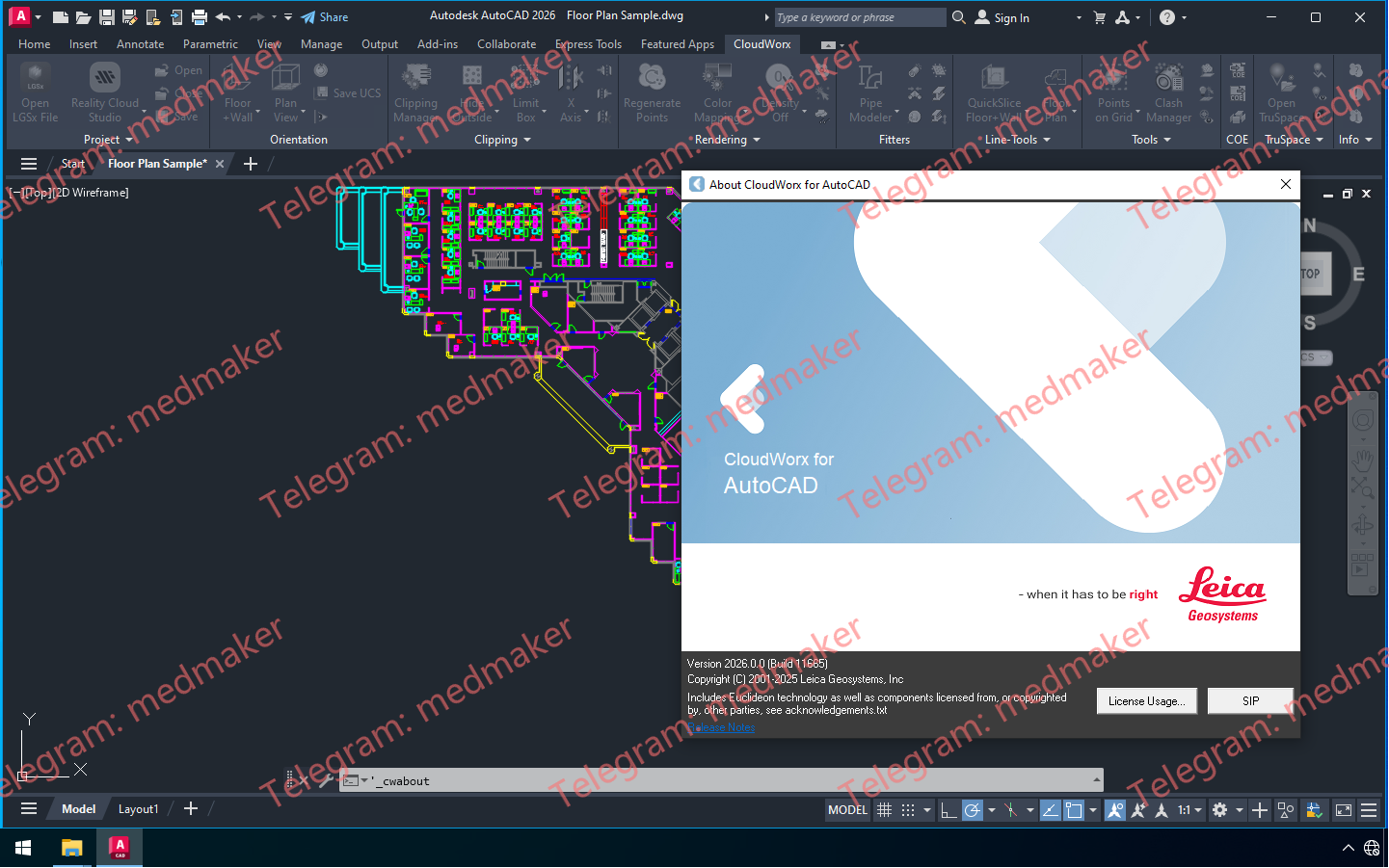
Leica CloudWorx for AutoCAD 是最高效、最流行的 AutoCAD 插件软件,它可以直接在 AutoCAD 中使用激光扫描仪捕获的竣工点云数据。 可用版本: 2026.x , 2025.x , 2024.x ,… Requirement:AutoCAD, Civil 3D, Plant3D and Map3D 2023 – 2026 Leica CloudWorx 2026.0.0 For AutoCAD 2023-2026 Tested Picture 用户可以利用熟悉的 AutoCAD 界面和工具,快速掌握激光扫描数据的使用方法。用户可以创建精确的 2D 和 3D 竣工图,对照现有条件检查设计方案,执行关键的施工和制造质量保证等操作……所有操作均可在 AutoCAD 中直接完成。 过去,用户在使用 AutoCAD 点云插件时,常常难以操控点云数据。CloudWorx 凭借其强大的 TruSpace 查看窗口解决了这一难题。这个直观的全景查看窗口让用户能够更清晰地“看到”点云所代表的内容,并如同一个超级控制器,以前所未有的速度驱动 AutoCAD 中的点云可视化。 功能和优势 可选的 LGS 文件、Cyclone、JetStream 或 ReCap 数据源 在 AutoCAD 中处理来自任何激光扫描仪或点云生成 3D 传感器的点云 无需耗时的点云文件格式导出/导入过程 更快地操作和浏览大型点云数据集,包括切片、截面和边界框 快速切片工具使用户能够快速切片和定向点云,使其与墙壁和地板对齐 自动拟合折线工具使用户能够通过一个、两个或三个拾取点快速将 2D 直线和圆弧拟合到点云;结合 QuickSlice,可快速、便捷地提取二维线段。 钢结构、法兰、自动管道和二维线段装配工具 用于智能竣工图的目录装配工具 精确的连接和碰撞检查 地面平整度和水平度工具,可自动生成符合 ASTM 1155 标准的报告 正射影像工具,可创建 GeoTIFF、PNG、JPEG、GIF 和 BMP 图像,并可选择直接在 AutoCAD 中打开 自动将 UCS 定向到点云 智能拾取和网格点工具 TruSpace 全景查看器,带有背景图像,可在应用程序的查看窗格中直观地与点云进行交互和驱动 保存项目环境设置 提供英语、德语、日语和其他语言版本 TruSpace 图层:RGB、HDR、灰度强度、色调强度、带温度数据的红外 完全支持徕卡测量系统通用数字现实文件 (LGS),包括:图层、地理标签、资产等。 自动线框辅助:通过辅助用户完成交付物创建过程,加快交付物创建速度。 支持以下语言:英语、法语、德语、意大利语、西班牙语、日语、中文(简体和繁体)、俄语、韩语。 More Information in English: Leica CloudWorx 2026.0.0 For AutoCAD 2023-2026
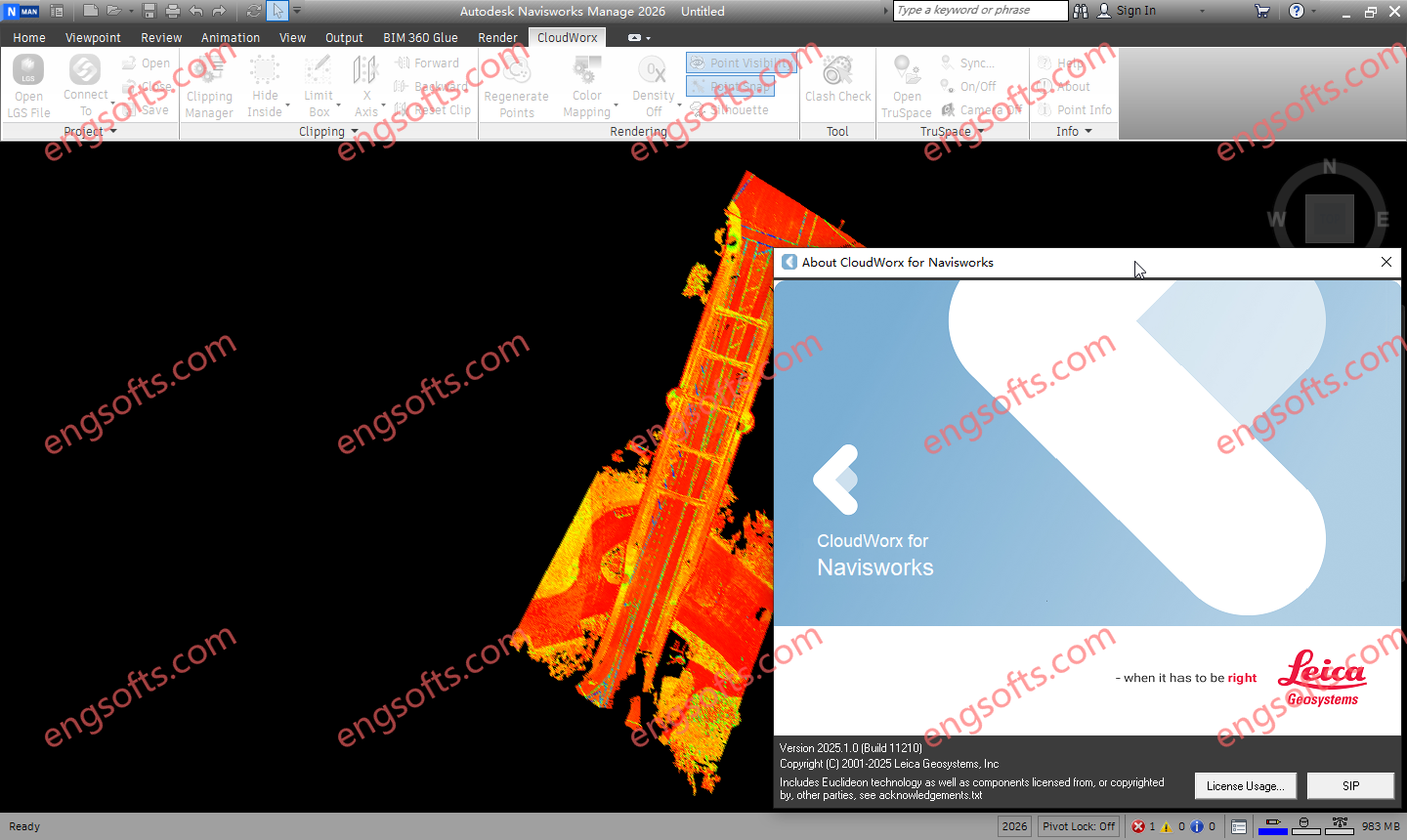
Leica CloudWorx for Navisworks 是一款全新的插件软件,可将激光扫描仪采集的竣工点云数据直接导入 Navisworks 中使用。用户可利用 Navisworks 熟悉的界面和工具,快速掌握激光扫描数据的使用方法。 可用版本: 2026.x , 2025.x , 2024.x ,… Requirement:Navisworks Simulate and Manage 2023 – 2026 Leica CloudWorx 2025.1 For NavisWorks 2023-2026 Tested Picture Leica CloudWorx for Navisworks 提供大幅改进的点云渲染环境,从而显著提升用户体验,支持无限规模的项目,并大幅提高工作效率,相比内置功能提升约 50%。 功能和优势 可选的 LGSx 文件、Cyclone 或 ReCap 数据源 在 Navisworks 中处理来自任何激光扫描仪或点云生成 3D 传感器的点云,包括手持式、地面式、移动式、无人机和航空式设备 更快地操作和浏览大型点云数据集,包括切片、截面和边界框 无需耗时的点云文件格式导出/导入过程 碰撞管理器,用于碰撞和防碰撞检测,并提供导出实用程序,方便生成报告 通过颜色映射控制改善点云可视化效果 TruSpace 全景查看器,带有背景图像,可在应用程序的查看窗格中直观地与点云进行交互和操控 保存项目环境设置 支持以下语言:英语、法语、德语、意大利语、西班牙语、日语、简体中文和繁体中文、俄语、韩语。 TruSpace 图层:RGB、HDR、灰度强度、色调强度、带温度数据的红外图像 完全支持徕卡测量系统通用数字现实文件 (LGSx),包括:图层、地理标签、资产等。 将云与模型对齐,以便快速将竣工点云与设计意图模型相结合。 已本地化为以下语言:英语、法语、德语、意大利语、西班牙语、日语、简体中文和繁体中文、俄语、韩语。 More Information in English: Leica CloudWorx 2026.0.0 For NavisWorks 2023-2026
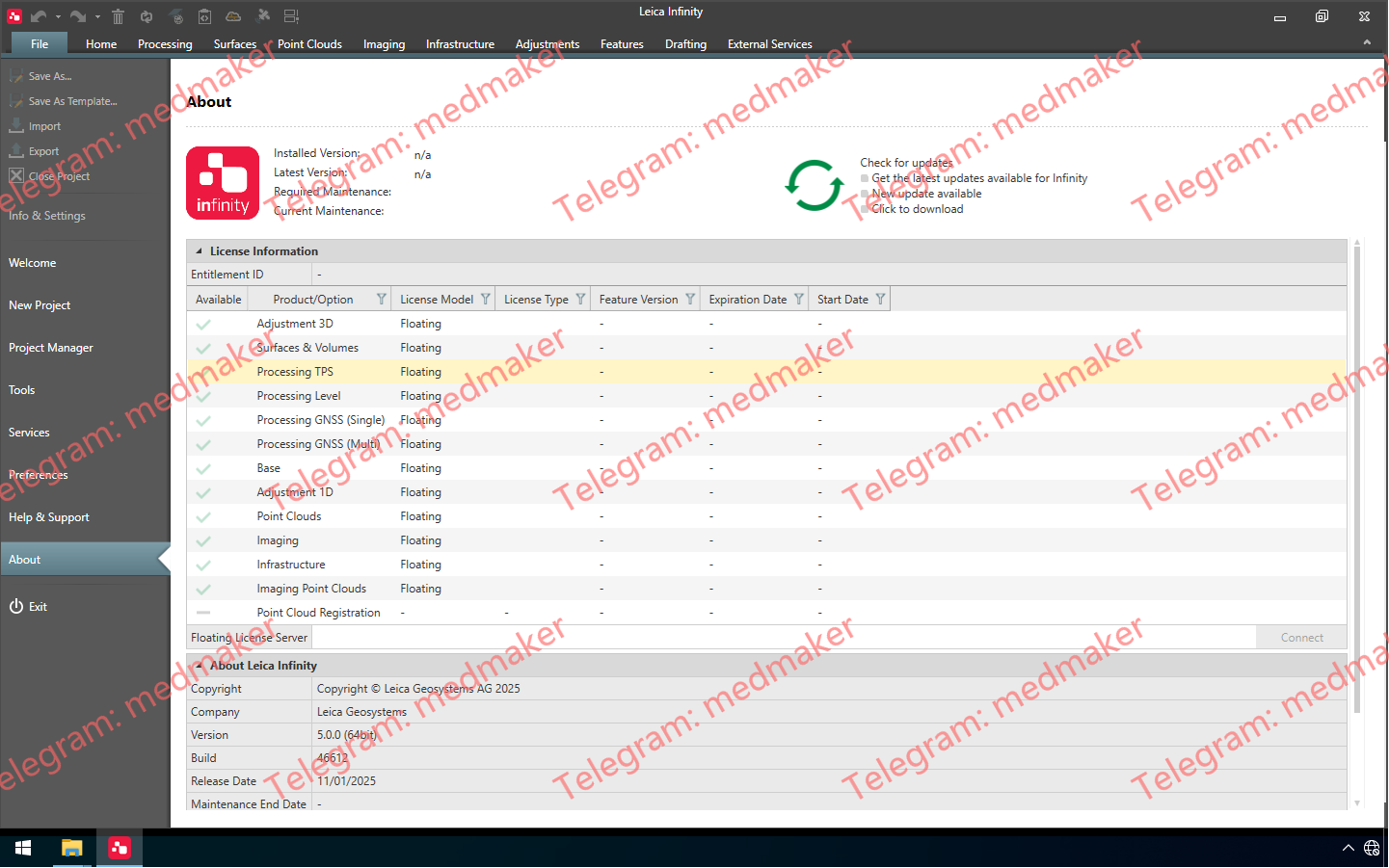
Leica Infinity 不仅仅是一款面向测量专业人员的易用型地理空间办公软件,更是一款前所未有的生产力工具,能够将现场和办公室连接起来。 可用版本: 2025.x , 2024.x ,… Leica Infinity 2025 v5.0.0 v5.0.0 版本包含以下更新: 新增绘图模块:创建可共享的图纸,记录您的现场工作。 支持 TS20 数据。 改进了 Captivate Infinity 数据流,提升了数据管理效率。 新增从图像创建纹理曲面的方法。 改进了精细曲面和规则曲面的网格划分方法。 新增更新标高线向导:编辑标高数据并将其更新到最高点角色类。 应用程序常规改进和错误修复。 有关 Leica Infinity v5.0.0 版本的更多信息,请下载并阅读 href=”https://leica-geosystems.com/-/media/files/leicageosystems/products/datasheets/release%20notes%20leica%20infinity%20v500%202.ashx?sc_lang=en&hash=CD5FD8C89FC968FA20B3A5792728EBFB”>发行说明。 More Information in English: Leica Infinity 2025 v5.0.0
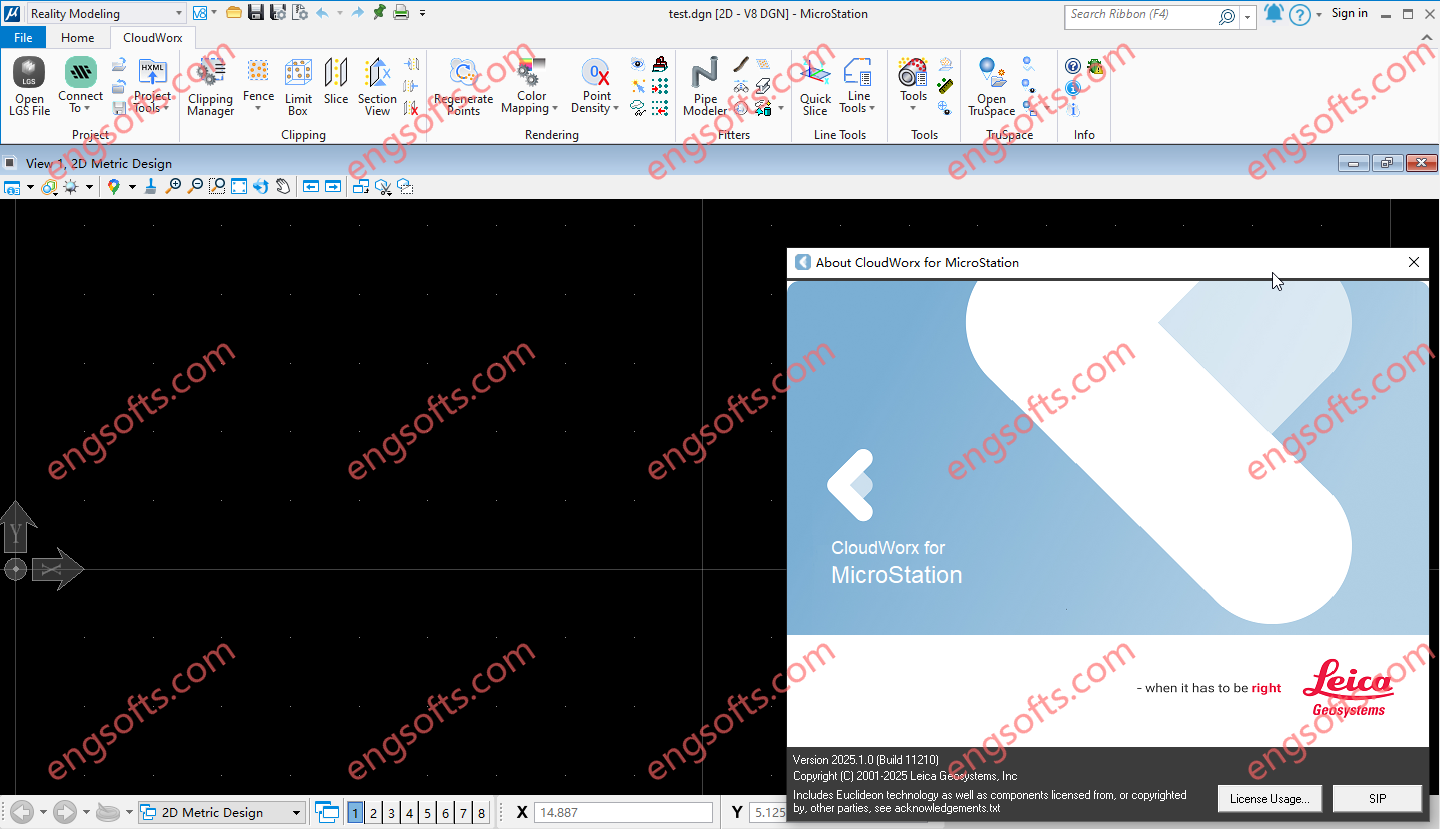
Leica CloudWorx for Bentley is the most efficient and popular plug-in software for using as-built point cloud data – captured by laser scanners – directly within Bentley MicroStation, AECOsim Building Designer and OpenBuildings Designer. Available versions: 2025.x , 2024.x , 2023.x ,… Requirement:Microstation CONNECT Edition V10.16-10.v17 , Microstation 2023-2025 Leica CloudWorx 2025.1 for Bentley 2023-2025 Tested Picture Users take advantage of the familiar Bentley interface and tools to shorten the learning curve for working with laser scan data. Leica CloudWorx let Bentley users efficiently visualise and process large point cloud data sets. Users can create accurate 2D and 3D as-builts, check proposed designs against existing conditions, and perform critical construction & fabrication QA, and more… all directly within Bentley. In...
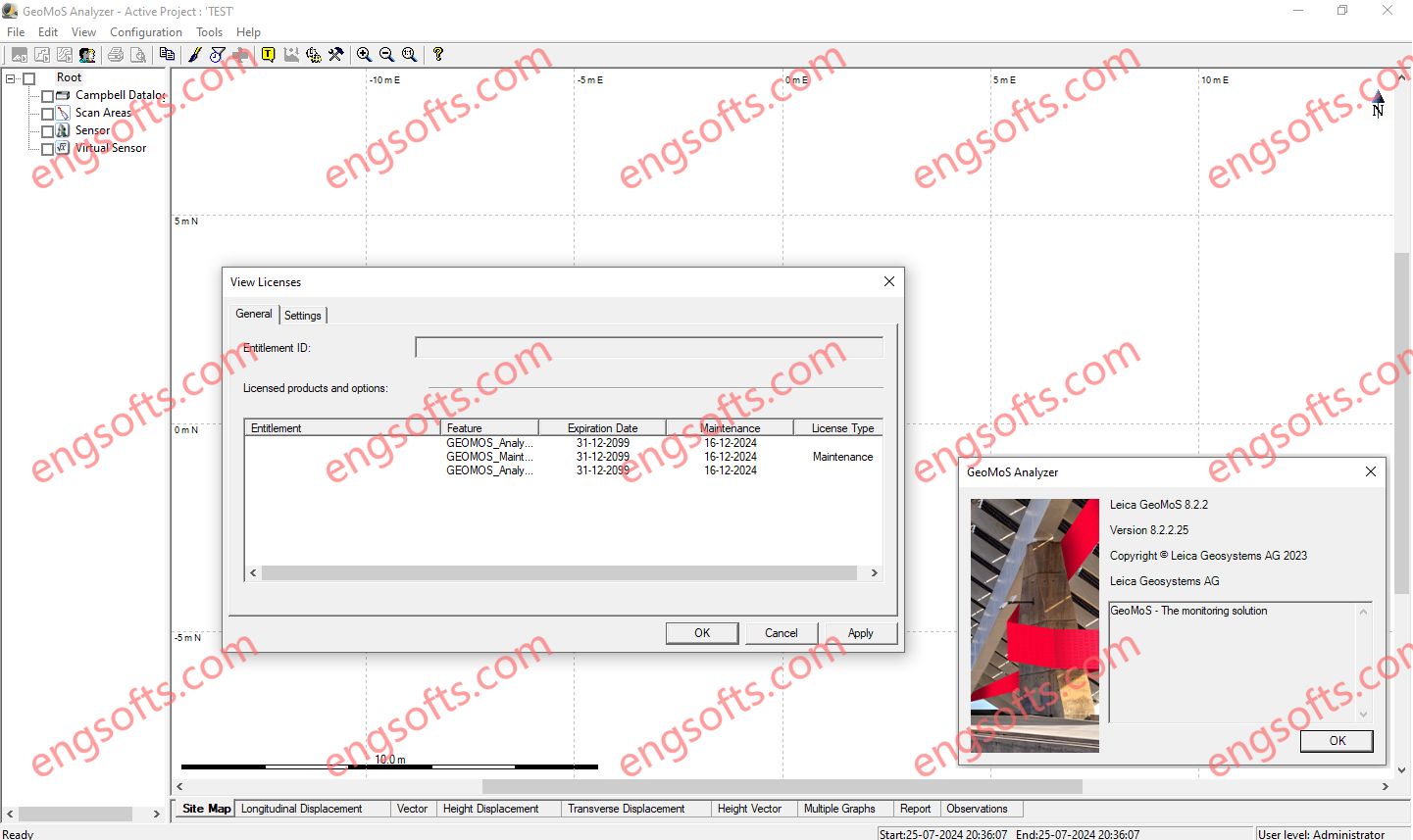
Leica GeoMoS is a solution that provides needed flexibility to their projects. With scalable software, options and various licensing packages, Leica GeoMoS family adapts to specific needs of any user. Suitable for continuous or periodic projects, a complete monitoring solution is offered with the highest accuracy and reliability. Leica GeoMoS Analyzer v8.2.2 Tested Picture Leica GeoMoS Monitor v8.2.3 Tested Picture Data Leica GeoMoS supports connection to any monitoring sensor or software, either Leica Geosystems or any third party. Flexible communication options allow seamless connection, sensor control and instant data storage and analysis. Leica GeoMoS API allows the combination of GeoMoS data into your own system. Automated data streams using numerous open-interface standards enable simple, yet powerful sensor fusion. GeoMoS Monitor...
Leica SpiderQC is a multi-purpose GNSS data analysis tool that can be used for: Site Assessment and Quality Control Network RTK Performance Monitoring Reference Station Integrity Monitoring Deformation Monitoring RINEX data management (concatenation, decimation) Suitable For All GNSS Reference Networks Leica SpiderQC processes GPS (including L2C and L5), GLONASS, BeiDou and Galileo (including AltBOC) data in the standard RINEX format that is supported by all leading reference station software. Leica SpiderQC is the perfect companion for all reference station networks. It allows the network operator to monitor the quality of the network in an efficient manner. Paired with the superior performance and flexibility of GNSS Spider reference station software and the GR10, GR25 and GMX series receivers, Leica Geosystems is...
Leica Spider Software Suite is the GNSS network infrastructure solution that provides easy access to all available data from all GNSS in one convenient location, helping users in the field and their colleagues in the office to be most efficient. All constellations, All sensors, All applications Be the most efficient you can be when all data is displayed in one place that can be accessed from anywhere at any time. Regardless of your application, Spider provides a solution by supporting all GNSS constellations, all sensors and all standards – making your business a success. The Spider Software Suite is the first web-based solution for managing real-time and post-processing services. Operators and users can now easily access the Spider Software Suite...
HxMap is a high-performance multi-sensor workflow platform that provides a fast, intuitive, and efficient post-processing workflow. It is used to produce geospatial data products within one single interface. It provides production tools that take raw flight datasets all the way through deliverable products refining radiometry and geometry along the process. Leica HxMap 2024 v4.5 Main features DMCIII sensor system support in Blockwide Radiometry Performance is improved for lidar point cloud colorization New Image Index Viewer to assess individual nadir images in Blockwide Radiometry Oblique overviews added to Radiometry Setup – Build Overviews