
VISTA 2025 引入了一系列增强功能,旨在提升用户体验和效率。此版本新增了交互式窗口、流程命令以及现有流程命令的扩展选项。众多交互式窗口现已提供新功能,整体工作流程也得到了改进,稳定性更高,使用户能够高效地浏览工作流程并无缝评估数据集。
可用版本: 2025.x ,2024.x ,2023.x ,…
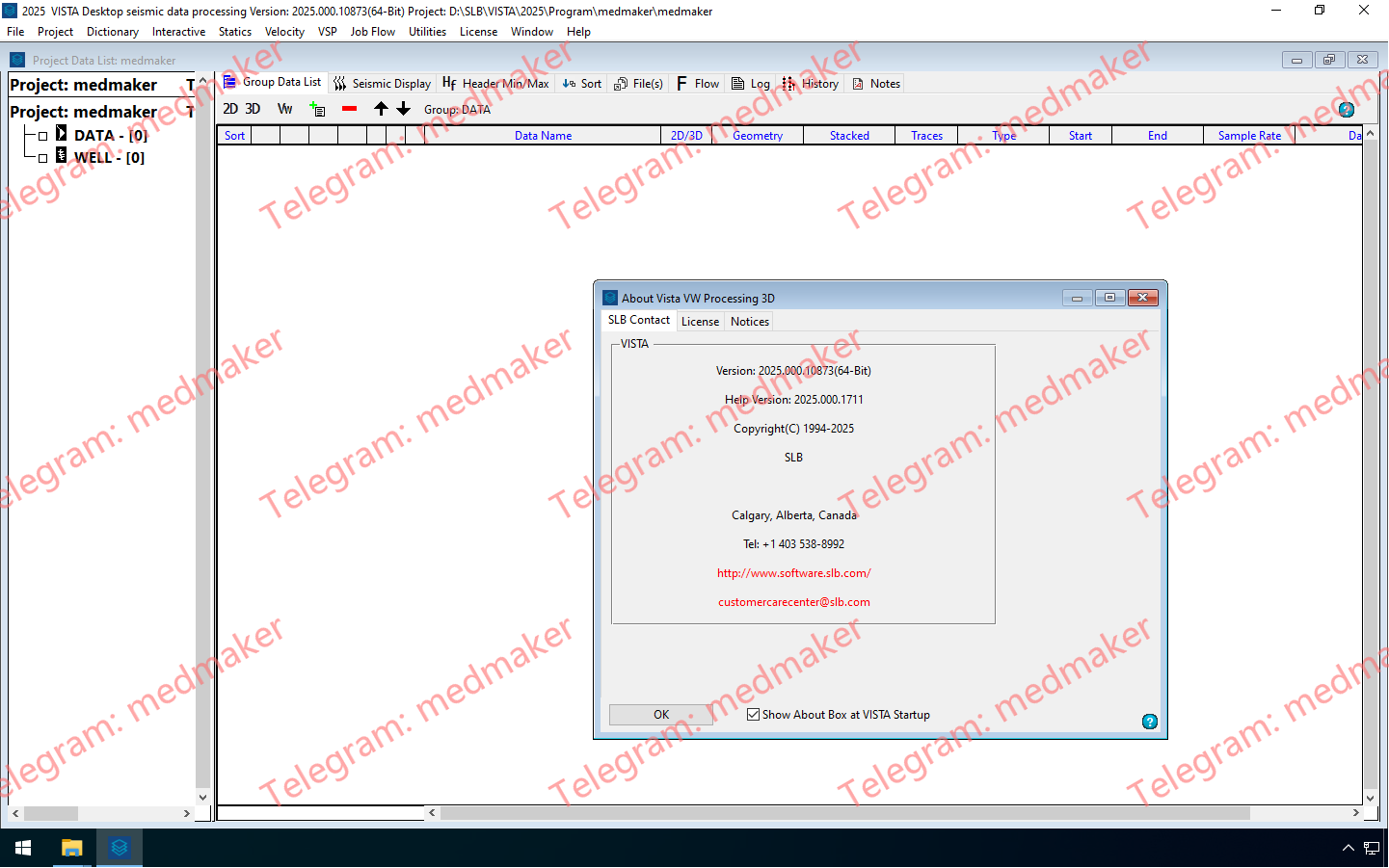
Schlumberger VISTA 2025.0
VISTA 2025.0 Release updates
- New interactive radon analysis window:
- Interactively design and observe radon transformation of input data records.
- Analyze moveout and mute parameters.
- Preview multiple removal.
- 2 displays: seismic and radon.
- Observer inverse transform with muted multiples.
- Save parameters.
- Input parameters into flow command.
- New flow commands
- Text write SEGD information using InfoSEGD.
- Compute vertical or horizontal slowness from direct arrivals using the VSP slowness estimation utilizing numerous calculation modes.
- Project shot and/or receiver XY coordinates onto a straight line using ProjXY.
- We have added new options for, and enhanced, the following flow commands: TextWrite, StrainVel, AngMute, AngLimit, ShotStk, RecvStk, HeadTrc, ReelWrite, BnrSEGY, TV_InvQ, AddNoise, RadonTrn, HRRadon, PSTM3D and PSTM2D, VSPGeom, VSPVertTm, VSPVelInv and VSPWaveSep.
- Updated project data list:
- Change dataset parameters and type through a right click menu.
- Change type includes time, depth, interactive velocity analysis (IVA) (time seismic IVA, semblance, constant velocity stack [CVS]).
- Changed behavior of mouse click on non-selected records.
We have added new options and enhanced the following interactive windows:
- Geometry window:
- Import from Shell Processing Support (SPS) and SPS revision 2/1 and save both types during export.
- Improved crooked line binning interface.
- Improved auto estimation of bin size for 2D bin grid dialog.
- Improved fold/offset calculation interface in 3D land geometry.
- 3D seismic cube display:
- Users can synchronize multiple 3D cube displays.
- Load multiple frequency slices.
- Improved horizon display.
- Improved display of 2D stacks and time-slice datasets.
- New hotkeys, and updated right mouse button (RMB) menu.
- Added current inline, xline, time slice to saved orientation file.
- Azimuthal analysis display:
- Set header start value before plotting.
- Display additional header item in the background.
- Calculate and display LSQ fit of ellipse or circle or line.
- Updated dialogs and RMB menu.
- Post stack Q estimation:
- Fixed bugs with onscreen Q application.
- New options dialog.
- Seismic window display:
- New option to import VSP first breaks from text file.
- Improved color-bar handling via RMB and hotkeys in frequency and wavenumber (FK) analysis window.
- Attribute window:
- VSP data option: display well head on geometry map.
- Station location prediction.
- Auto-synchronized spreadsheet with all views.
- Auto-set mouse tracking (depending on mode).
- Set manual move vectors color and line size.
- Remove manually moved vectors on auto-calculate.
- Display selected vector in color on geometry map.
- Include number of picks into report.
- AVO/AVA 2D modeling:
- Updated dialogs, messages and toolbars.
- Added editable elevations from MSL to model spreadsheet.
- Color filling columns in the model spreadsheet.
- Improved output headers information.
- Fixed sorting boundaries in the spreadsheet.
- Fixed graph model display and tracking.
- Save reflection amplitudes to headers.
- Display impedance in graph view.
- Add noise to output, limit angles.
- Load VISTA software velocity files.
- Use approximation of Zoeppritz equations.
- Interactive velocity analysis:
- Users can save mutes to Omega™ seismic data processing software mute file format.
- Users may choose a finer sample rate when picking, VISTA software allows for smaller gaps between picks for high precision data.
- Improved 2D multiline picking; improved setting the start, end and increment for numerous 2D lines.
- MVFS option automatically finds matching velocity files.
- Minimized error reporting for multiple 2D lines without binning information.
- Auto pick all 2D surveys.
- Save all 2D velocities.
- Numerous fixes.
- Velocity surface map window; multiple 2D lines initialize to the same velocity control size.
- Stack and pre-stack time migration (PSTM) analysis:
- PSTM migration analysis | Eta analysis; reworked for 2D and 3D cases.
- Eta analysis on multiple velocity control points.
- Create composite stack in angle and Eta windows.
- Optionally adjust velocities for eta on saving.
- Receive broadcast from surface map in 2D.
- Broadcast from composite stack to panel view.
- Fixed display issues for resize and toggling options.
- added parameters to Image options dialog.
- Fixed initial overlay issue in composite stack.
- Enabled broadcast from composite stack to panel view.
- Added saving 3D eta picks.
- Adjust velocities for eta when saving.
- VSP Q attenuation:
- New option—load drift curve from sonic calibration and display in CA window.
- New option—display cross-hair and track from CA or log windows to frequency and seismic windows.
- New display options dialog for various types of lines and font.
- New option to toggle mouse modes in CA window.
- Color-bar selection via RMB, display selected VSP profile name.
- VSP well look ahead window:
- Auto-update wavelet view when wavelet reloads.
- Improved RMB menus and dialogs.
- 2D/3D VSP model build window:
- Added calculated density in the layers dialog spread-sheet.
- New options to save down-going and reflection rays lengths to headers.
- New option to measure azimuth and length on the surface map in geometry view.
- Improved ray tracing.
- 2D VSP common depth point (CDP) mapping window:
- New option adjusts VSP CDP line display parameters.
- VSP velocity profile window:
- New view displays first break picking (FBP) time difference or inversion misfit.
- New hotkey to toggle seismic data display.
- Smooth velocity inversion:
- New options, updated dialog.
- RMS misfit.
- Vel-variation.
- Recalculate inversion on FBP auto-edit.
- Bug fixes.
- Users can open any VSP window outside of the main VISTA window.
- Use and display revers LAS files.
- Protect from crashes for non-modal dialogs.
- Menus now fully disable when modal dialog displays.
- VISTA software program settings, program log tab includes new information and options.
- VISTA top menu bar:
- Removed font and edit menus.
- Font moved to project settings dialog.
- Project related items moved from file menu to project menu.
More Information in English:Schlumberger VISTA 2025.0