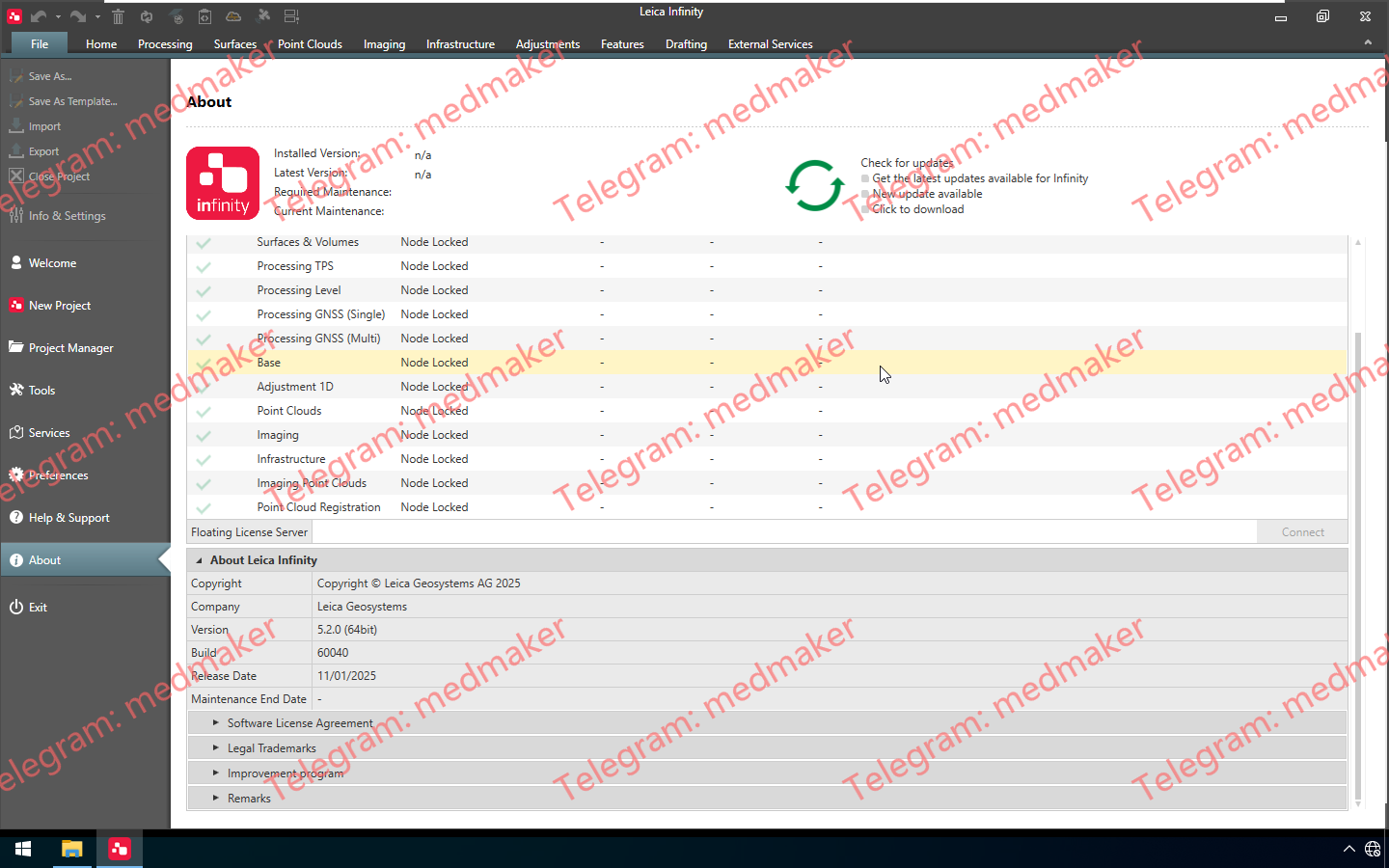
Leica Infinity 不仅仅是一款面向测量专业人员的易用型地理空间办公软件,更是一款前所未有的生产力工具,能够将现场和办公室连接起来。 可用版本: 5.x , 4.x ,… Leica Infinity 2026 v5.2.0 Infinity v5.2.0 版本新增功能: 新增 – AI 助手:智能助手,可帮助用户更快更轻松地完成工作。 绘图尺寸标注:提供全套关联尺寸标注工具,可在绘图中使用(对齐、线性、旋转、坐标、角度)。 Trimble JXL 导入:更新了对 Trimble JXL (JobXMLv6.3) 的支持,现在支持全站仪和 GNSS RTK 测量的观测数据。 隧道 CTA 增强功能:可直接从点列表创建 CTA 剖面,包括基于扇区的分析和隧道层显示,并包含在报告中。 成像改进:支持 GPU 处理、半自动 GCP 标记以及所有图像组类型的自动远程点。 COGO – 点到要素测量:新增工具,用于测量点与线和路线的距离,并计算里程、偏移量和高度差异。 数据准备和 CAD 改进:从 CAD、IFC 参考文件复制曲面,改进 DTM 导出命名,比较地图中的里程/偏移。 有关 Leica Infinity v5.2.0 版本的更多信息,请下载并阅读版本说明。 More Information in English: Leica Infinity 2026 v5.2.0
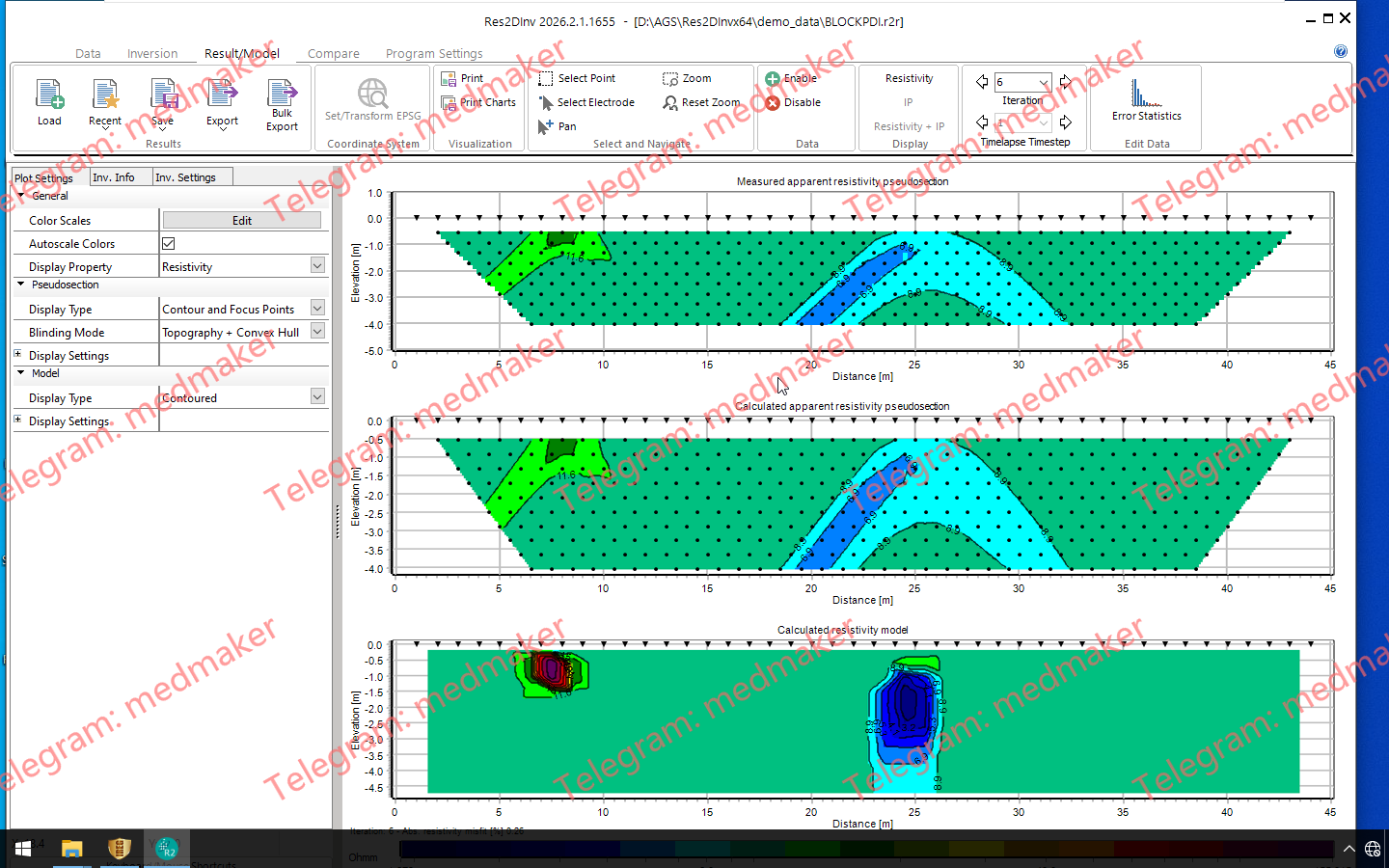
Res2DInv 2026.2 是由 Seequent 推出的软件版本,用于处理及反演二维电阻率层析成像(ERT)和激发极化(IP)数据。此次更新改进了空间数据导出功能和全波形 IP 衰减工作流程的质量控制,并优化了反演前的地下/水面界面处理。 可用版本: 2026.x , 2025.x , … Seequent Res2Dinv 2026.2.1 2026.2 版本主要功能 地理配准的弯曲剖面:将弯曲/蜿蜒的测量剖面导出并传输至 Oasis montaj 和 Leapfrog,同时保持空间对齐。 完整的激电(IP)衰减审查:针对完整 IP 衰减曲线及各测量时窗,提供增强的数据清洗、可视化和质量控制工具。 固定区域与水体表面:改进了用户控制功能,可在运行反演模型前,对固定反演区域和水体边界进行可视化、定义及编辑。 More Information in English: Seequent Res2Dinv 2026.2.1
PinPoint 5.0.0 专注于点云配准和建模。主要功能包括:利用人工智能技术从扫描数据中去除人体、针对特定国家/地区的平面图计算、重新设计的控制点工作流程以及增强的二维/三维测量工具。 可用版本: 5.x , 4.x , … Leica PinPoint 2026 v5.0.0 PinPoint 5.0.0 是一个重大版本更新,对 PinPoint 的功能进行了多项增强,包括: 改进的清理工作流程,包括新的清理备份选项、AI 辅助人员检测过滤器、套索模式下的扫描原点可视化等 支持根据特定国家/地区的标准计算平面图房间面积 全新的综合地理配准工作流程 PinPoint 配准工具中支持简单的 3D 测量 PinPoint 建模器草图视图中的新测量和折线工具 应用清理后可以重新计算动态扫描全景图 引入软件改进计划,旨在指导未来的 PinPoint 版本 以及更多旨在增强稳定性并简化支持的工作流程的改进。 PinPoint 5.0.0 Release Notes More Information in English: Leica PinPoint 2026 v5.0.0
Kingdom 2026 在地质、地球物理和数据管理方面进行了多项增强,包括 Spatial Explorer 中的剖面显示、3D 可视化性能提升、2D Cyberslice 功能,以及对 VelPAK 和反演功能的改进;此外,该版本还引入了 KAI——Kingdom 全新的 AI 智能助手。 可用版本: 5.x , 4.x , … Leica PinPoint 2026 v5.0.0 主要优势 数据管理 通过支持多达 100 位用户的实时协作、简便的实施流程以及可靠的性能追踪功能,简化地下数据管理。 人工智能与自动化 利用人工智能(AI)和深度学习技术加速地球科学工作流程,从而获得更快速、更精确的分析结果。 集成能力 作为唯一一款能与我们业界领先的上游数据(Upstream Data)无缝连接的软件,它能助您丰富地下数据并获取更深入的洞察。 第三方连接 轻松将项目数据导出至第三方平台,从而简化工作流程并提升灵活性。 IHS Kingdom Advanced Suite 2026.0 版本说明 More Information in English: IHS Kingdom Advanced Suite 2026.0
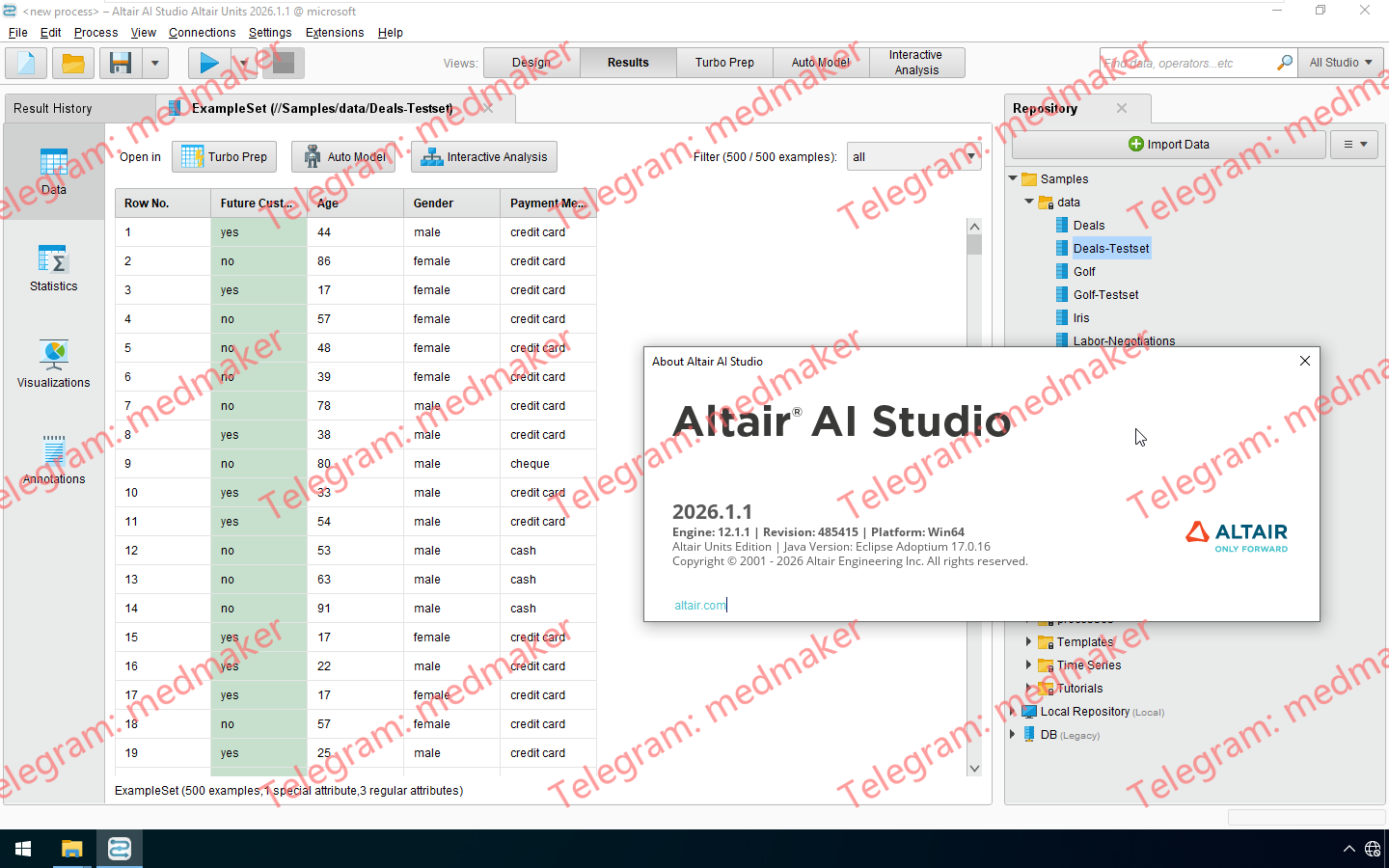
Altair AI Studio 带来了多项改进和重要修复。尽管此版本未包含新功能,但我们建议您将 AI Studio 更新至最新版本。该版本还包含新版 Python SDK 框架,提供了连接支持、改进的 miniforge 安装流程以及其他增强功能。您可以在此处查看该版本的详细信息。 可用版本: 2026.x ,2025.x ,2024.x ,… Altair RapidMiner AI Studio 2026.1.1 Win/Linux64 RapidMiner AI Studio 2026.1.1 带来了旨在提升用户体验、简化数据操作并增强整体稳定性的最新更新。 新功能 连接支持 OAuth 客户端:系统现支持将 OAuth 客户端定义为一种新的连接类型。这些客户端充当“注入源”(Injection Sources),能够将访问令牌(access tokens)注入到 JDBC 连接中。目前已针对 Snowflake 和 Databricks 提供初步支持。 JDBC 连接的 OAuth 认证:在与 Snowflake 和 Databricks 数据库交互时,JDBC 连接现已直接支持 OAuth 认证方案。 数据样本扩展(Data Samples Extension):集成了一个新的数据样本扩展,其中包含“生成样本数据”(Generate Sample Data)算子。该算子支持直接从样本存储库(Samples Repository)获取基础数据样本,从而简化了数据准备与测试流程。 增强型 Trim/Strip 算子:引入了全新的 Trim/Strip 算子。该算子提供了更强大的功能,包括支持定义自定义字符进行去除操作,以及对 Unicode 空白字符的更广泛支持。原有的 Trim 算子现已被弃用。 AI Studio 2026.1.1更新说明 More for English: Altair AI Studio 2026.1.1 Win/Linux64
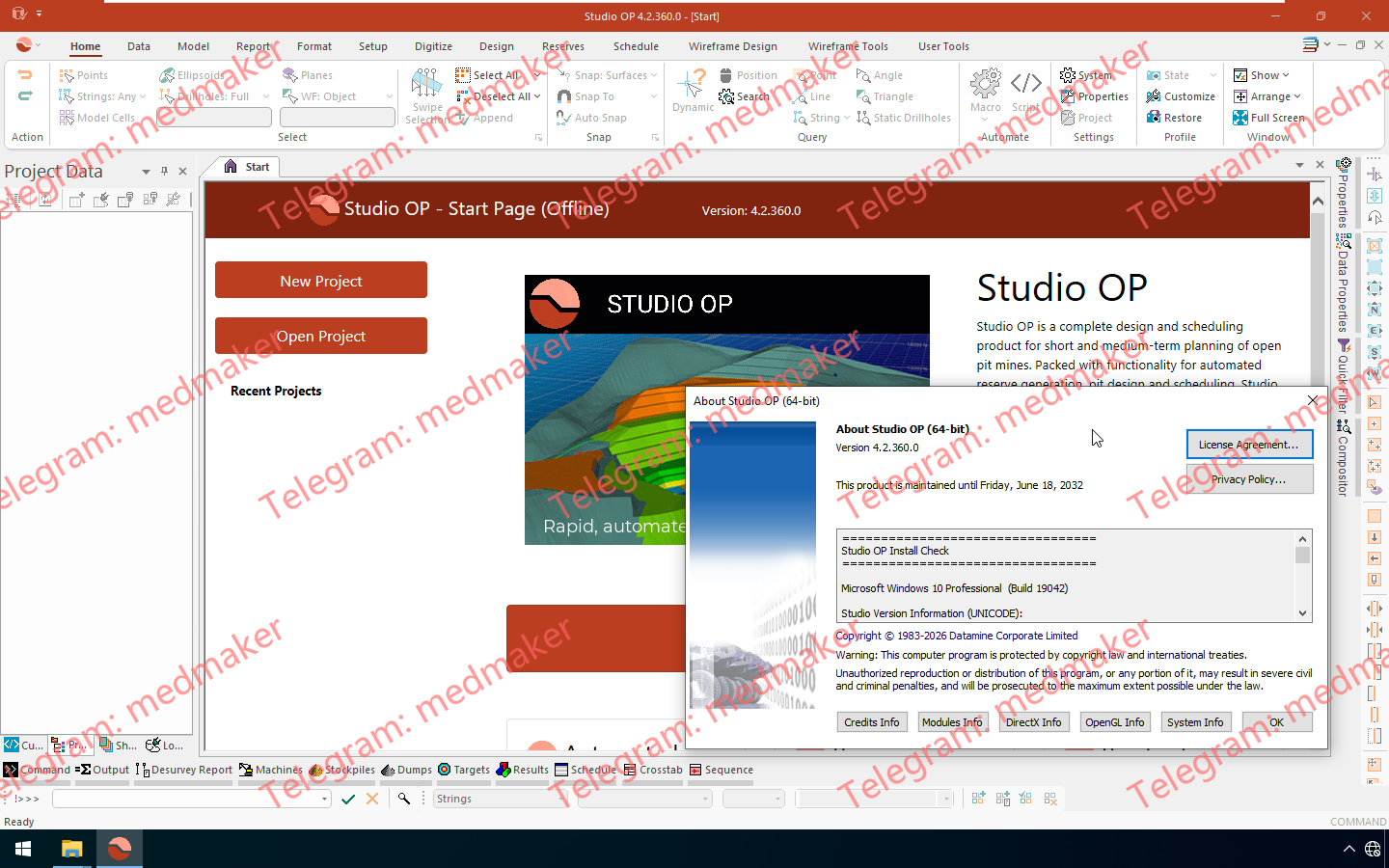
Studio OP 4.2 带来了显著的性能改进,使 ADDMOD、COPY、COMBMOD、DILUTMOD、SLIMOD 和 REBLOCK、MODTRI、COMBTRI 等关键流程更快、更可靠,无需对现有宏或工作流程进行任何更改,并且在旋转块模型、稀释、密度场和原型尺寸方面进行了额外的可靠性和数据处理增强。 可用版本: 4.2.x , 4.1.x , 4.0.x ,… Datamine Studio OP 2026 v4.2.360 经过一系列优化,3D 窗口的性能也得到了显著提升。新增的“创建多个截面”工具允许您直接在 3D 环境中生成并保存并行或基于字符串的截面集。 此外,您还会发现新增和改进的线框、DTM 命令,布尔设计命令的关键字段支持,字符串和轮廓,以及简化的选择设置、多图层管理、标准化功能区和持续更新的文档。 文档: Studio OP Help (4.2) Studio OP 4.2 Release Notes (PDF) More Information in English: Datamine Studio OP 2026 v4.2.360
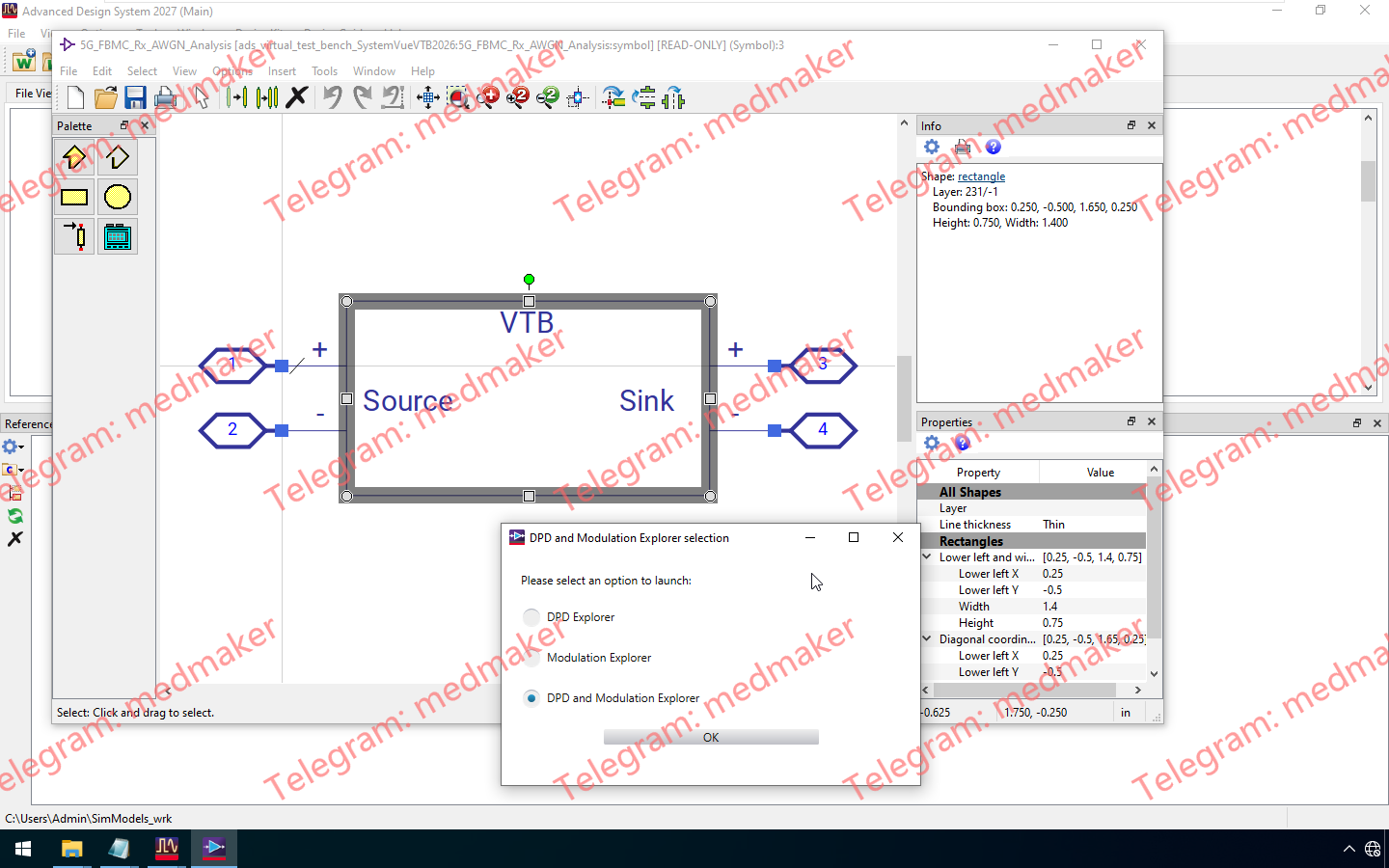
System Design (SystemVue) Virtual Test Bench (VTB)是一个ADS附加组件,可为ADS电路设计人员提供预配置的测试平台。它能帮助他们在所有设计阶段(尺寸设计/设计/验证)确保其设计的关键性能指标(例如EVM或BER)满足现代无线通信规范。 < 可用版本: 5.x , 4.x ,… Keysight SystemVue VTB(Virtual Test Bench) 2026.0 Win/Linux64 此版本的虚拟测试平台 (VTB) 与 System Design 2026 版本保持一致。 支持两个 WLAN11bn 的 VTB 示例,一个用于单次发射 (Tx) 生成,另一个用于单次发射 + EVM,用户可以将自己的子系统置于中间以查看性能下降情况。 支持一个 HRPUWB 的 VTB 示例,用户可以将自己的子系统置于其中以评估 RRC 相关电压 (RRCCorrelatedV)、脉冲形状、脉冲响应、发射掩码和重要极限测试。 有关在 ADS 中使用 VTB 的更多信息,请参阅 ADS 文档中的“虚拟测试平台”部分。ADS 文档 More Information in English: Keysight SystemVue VTB(Virtual Test Bench) 2026.0 Win/Linux64
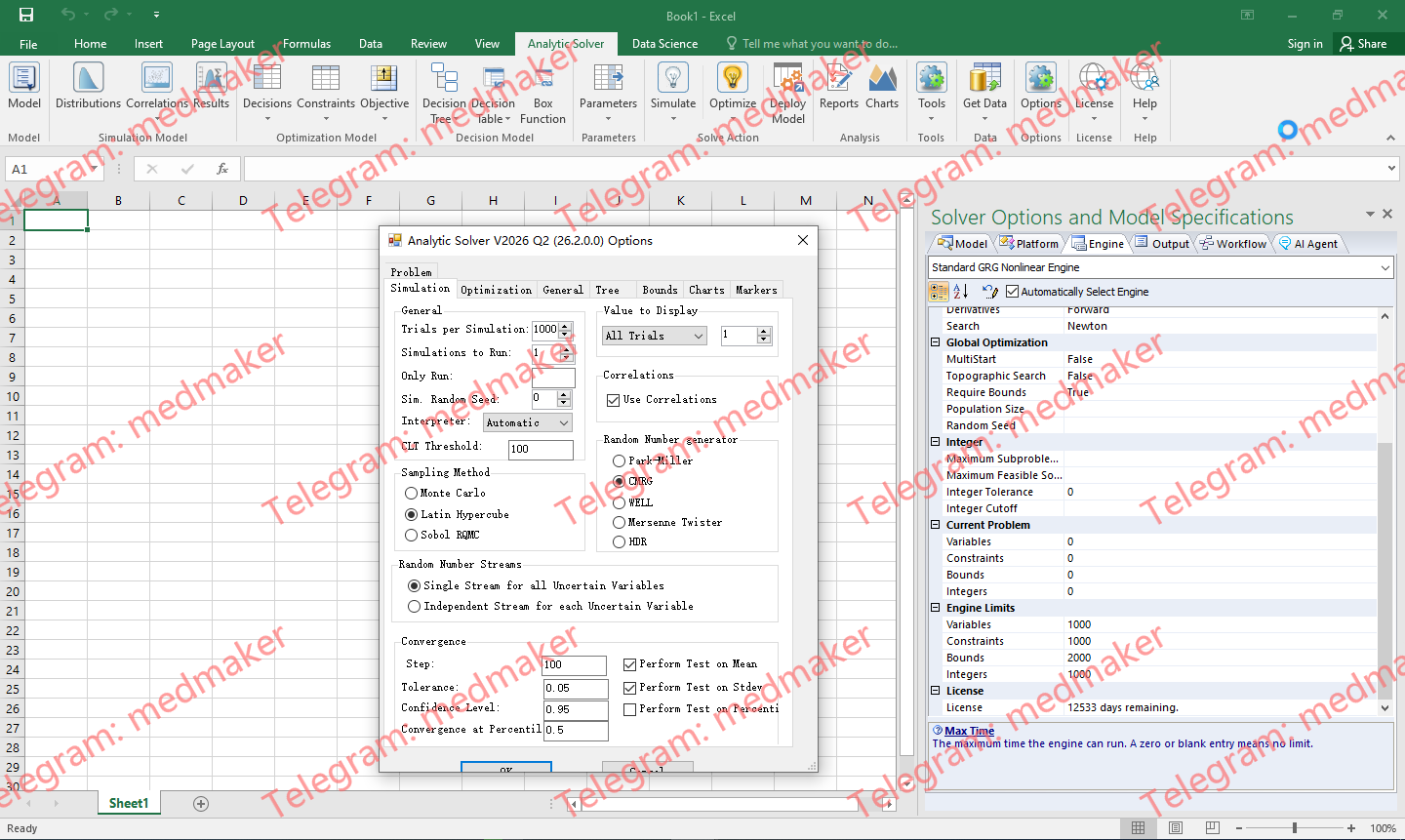
Analytic Solver V2026 Q2 适用于 Microsoft Excel 2016-2019,升级了大规模优化引擎,增强了与 Gurobi 的非线性优化功能,加快了 Web 报表生成速度,并扩展了对 RASON 建模语言的支持。它既可以作为传统的桌面插件使用,也可以作为现代的云插件使用。 (Comprehensive license as default,but also exist all 8 plug-in Large-Scale Solver Engines Unlimited license.) Available versions: 2025.x , 2024.x , 2023.x… Frontline Analytic Solver For Excel 2026Q2 Analytic Solver V2026 Q2升级了四款大型优化求解器引擎,大幅增强了对使用 Gurobi Solver 进行非线性优化的支持,改进了从其他产品转换模拟/风险分析模型的功能,加快了在 Excel for Web 中创建报告的速度,改进了用户界面,并增强了将 Excel 模型自动转换为 Frontline RASON 建模语言的功能。 求解器引擎功能更强大 Analytic Solver V2026 Q2 包含来自 Gurobi Optimization 的 Gurobi Solver、来自 FICO 的 XPRESS Solver、来自 Artelys 的 KNITRO Solver 以及来自 OptTek Systems 的 OptQuest Solver 的新版本。得益于 Frontline 在将 Excel 公式和 RASON 表达式自动转换为 Gurobi Solver 支持的非线性“基元”方面所做的努力,现在可以使用 Gurobi Solver 求解更广泛的“真实世界”非线性模型。 V2026 Q2 引入了新的“人工变量”,可以捕获并重用重复的非线性子表达式,从而显著节省内存和计算时间。 @RISK 模型转换的进一步改进 Analytic Solver 可自动导入并转换使用 @RISK for Excel(现由 Lumivero 提供)创建的风险分析模型,并将其转换为 Analytic Solver Simulation 的等效模型,从而实现 10 到 20 倍的运行速度提升。V2026 Q2 针对大型保险公司将其模型转换为 Analytic Solver...
RSoft Photonic Design Tools提高生产效率并降低物理原型制作成本。Keysight 提供全面的仿真器和优化器产品组合,适用于被动和主动光子及光电器件,包括激光器和垂直腔面发射激光器 (VCSEL)。这些工具可与其他光学和半导体设计工具集成,从而加速多域协同仿真。例如,利用 Keysight 光学设计工具(特别是 CODE V 和 LightTools)之间的互操作性,可以对纳米纹理光学结构进行精确建模和衍射分析。 RSoft Photonic Design Tools包含 FullWAVE FDTD、BeamPROP BPM、DiffractMOD RCWA、FemSIM FEM、BandSOLVE、GratingMOD、RSoft CAD、LaserMOD、MetaOptic Designer 以及各种实用程序和选项。 Keysight RSoft Photonic Design Tools 2027 借助 RSoft Photonic Design Tools,您的团队可以: 利用支持快速虚拟原型设计的高精度算法,加速光子元件设计。 通过创建“假设”产品场景,探索新的设计方案。 在通用 CAD 环境中工作,无需将光电或多物理场设计从一个软件导入到另一个软件。 使用 RSoft MOST 自动进行参数扫描和优化。 灵活组合 RSoft 光子仿真器,仅购买与您的工作相关的产品许可。 改进传感器设计、激光器设计等工作流程。 More Information in English: Keysight RSoft Photonic Design Tools 2027 Win/Linux64
Volsung 可以用来优化地热资产管理!利用集成的储层、井和地面建模功能,深入了解地热系统——从毫达西储层渗透率到兆瓦级地热发电厂装机容量。Volsung 提供全面的地热建模和仿真集成解决方案——涵盖从地下储层到地面设备的各个方面。隆重推出 Seequent 的先进地热仿真软件 Volsung。它能带来前所未有的清晰度,确保系统最佳性能,并让您自信地做出数据驱动的决策。 可用版本: 2026.x , … Seequent Volsung 2026.1.2 Volsung 提供集成的油藏、油井和地表建模工具,以及微重力和沉降预测、标记测试建模、蒙特卡罗分析和云计算等高级功能。 3D 油藏可视化和控制 Brynhild 提供用于设计和运行地热油藏模拟的图形界面,并具备用于解释模型结果的高级 3D 可视化功能。其主要优势包括:清晰的可视化效果,便于协作开发模型;简化从概念建模到数值建模的工作流程;运行时控制;无网格设置;TOUGH2 模型导入;以及与 Leapfrog Energy 的兼容性。 油藏模拟 Volsung 软件的核心 其强大的油藏模拟引擎,在性能测试中优于标准建模工具。Volsung 利用物质和热量平衡方程,重现流体在岩层中的流动。得益于 GPU 技术的创新应用,该程序缩短了模型开发时间,并可在本地和云平台上提供更快的模拟速度。Gudrun:油井建模。 Gudrun 具备可视化功能,并基于稳健的物理原理构建,能够更快地创建油井模型,并提供更多关于油井性能的宝贵信息。 自动化模型校准工具 这些工具支持自动化校准和不确定性分析。它们可以轻松地将现场校准数据集成到生产环境中,并支持使用云计算系统进行离线建模,从而简化建模过程。 Volsung 的管道模拟基于与油井建模引擎开发中类似的原理,并提供了对管道压降和热损失进行详细建模的功能。Volsung 的数值压力恢复分析工具基于 McLean 2020 年论文中概述的理论原理。该产品使用径向模型,提供标准压力导数图、各种边界类型、多状态测试等功能。热力学表 热力学表是一个紧凑而强大的工具,可帮助用户研究工作流体的热物理性质。它与所有集成的沃尔松水蒸气表兼容,有助于计算相变,并且使用 Python 模块可以实现这些过程的自动化。 More: Seequent Volsung 2026.1.2