
FARO CAM2 Expert Edition是一款功能全面的计量软件,支持所有 FARO 计量设备,提供快速数据采集、可靠的校准选项和强大的分析工具。它与 FARORPM 集成,可提供 SPC 洞察,用于实时过程监控和数据驱动决策。该解决方案可提高效率、精度和质量控制,帮助用户优化产品质量并推动持续改进。CAM2 Expert Edition融合了 CAM2 Probe Professional 和 CAM2 Scan Professional 的强大功能,也包括了CAM2 Editions CAD Translator,并兼容所有 FARO 计量解决方案。
可用版本: 2026.x …
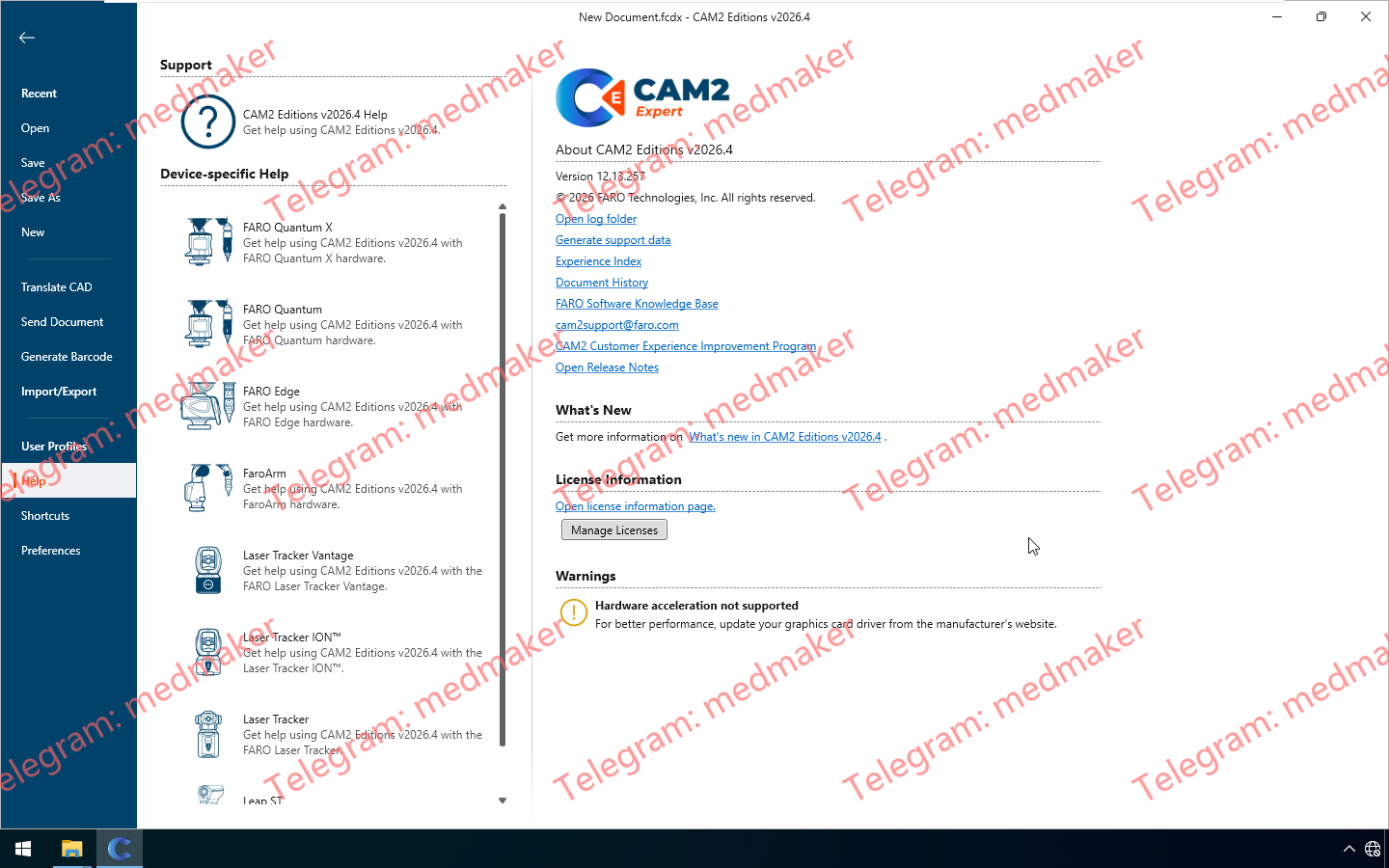
FARO CAM2 Expert Edition 2026.4
CAM2 2026.3 – Release Notes
This CAM2 release includes the following Enhancements, Experimental Features and Fixed Issues.
Enhancements
1. Pick from Cross Section – 2D Features
(Expert, Probe Professional, Scan Professional, Analyst editions)
Users can now use the Pick from Section options to pick 2D features from the CAD cross section, in Cross Section Analysis mode.
This will auto extract the corresponding actual feature from the actual cross section. Supports Lines, Circles, Ellipse, Round Slots and Rectangular Slots.
2. Cross Section Analysis – Constructions
(Expert, Probe Professional, Scan Professional, Analyst editions)
Users can create constructed features in Cross Section Analysis mode, from available cross section features.
Various construction methods are available for Point, Line, Circle, Slot and Ellipse features.
3. Cross Section Analysis Ribbon Updates
(Expert, Probe Professional, Scan Professional, Analyst editions)
To accommodate the newly developed functionality, the Cross Section ribbon has been updated to provide quick access to all available capabilities.
4. Cross Section Analysis Feature Information Panel
(Expert, Probe Professional, Scan Professional, Analyst editions)
The Feature Information panel is now accessible within Cross Section Analysis, enabling users to review and adjust feature tolerances without switching workspaces.
5. Angle from Features Improvements
(All editions)
Angle from Features has been enhanced to offer additional angle options during creation. Users can now define Acute, Obtuse, and Reflex angles using either two features or three points. This functionality is available in both the main 3D mode and Cross Section Analysis.
6. 6Probe – Rotation A, B, C values
(Expert, Probe Professional, Analyst editions)
6Probe users can now see the Rotation A, Rotation B, Rotation C values, which represent the ZXZ Euler Angles of the 6 Probe stylus provided by the Laser Tracker. These can be viewed in the Measurement Data panel, by enabling them via the Column Chooser.
Experimental Features
Experimental Features can be enabled via:
File > Help > What’s New > Experimental Features where users must first opt-in to the FARO Customer Experience Program, then features can be toggled on/off.
7. Point Cloud Best Fit Alignment: Advanced Method
(Expert, Scan Professional, Analyst editions)
When enabled the ‘Enhanced Point Cloud Alignment’ experimental Feature will expose 2 options when performing Best Fit Point Cloud Alignment:
- Standard Method: the existing alignment approach used in CAM2 2026.2 and earlier, and creates a quick alignment, which works for most parts.
- Advanced Method: designed for more challenging parts where the Standard method may fail.
- This method takes longer to process, as it performs the following steps:
- Executes multiple alignments in parallel using different parameters and algorithms
- Applies several geometry “flips” to account for symmetry
- Evaluates results using multiple statistics and heuristics to automatically select the best alignment
These alignment options are also available within the Iterative Alignment user interface, but only for alignments that consist exclusively of Point Cloud data.
8. Iterative Alignment: Distribute Point Cloud Deviations
(Expert, Scan Professional, Analyst editions)
We have introduced a new advanced option specifically for alignments that only contain Point Cloud.
- Distribute Point Cloud Deviations: this option is particularly useful when aligning cast components to CAD models of the final machined parts, where there is a size difference.
When enabled, this option further refines the alignment by attempting to distribute residual errors evenly across the scan and CAD model.
Fixed Issues
Extractions
- CAM2M-16603: Plane extraction only uses partial point cloud coverage.
Labels
- CAM2M-16618: Specific Vector Point label shows incorrect status color.
Pick from CAD
- CAM2M-16605: Cannot ‘clear’ picked points in properties.
Report
- CAM2M-16749: An exception occurs when opening report with customer file.
More Information in English: FARO CAM2 Expert Edition 2026.4