
RTLvision PRO simplifies the visualization of large RTL designs, including third party IP and reused blocks. Using Concept’s award winning visualization technology, the tool provides the unique and effective graphical rendering of RTL code structures, allowing engineers to quickly appreciate design functionality. Supporting SystemVerilog, VHDL and Verilog, RTLvision PRO comes complete with a range of debug views such as a powerful waveform display, an interactive cone of influence window, and other displays for a complete, 360° picture of the device.
Available versions: 2026.x , 2025.x ,…
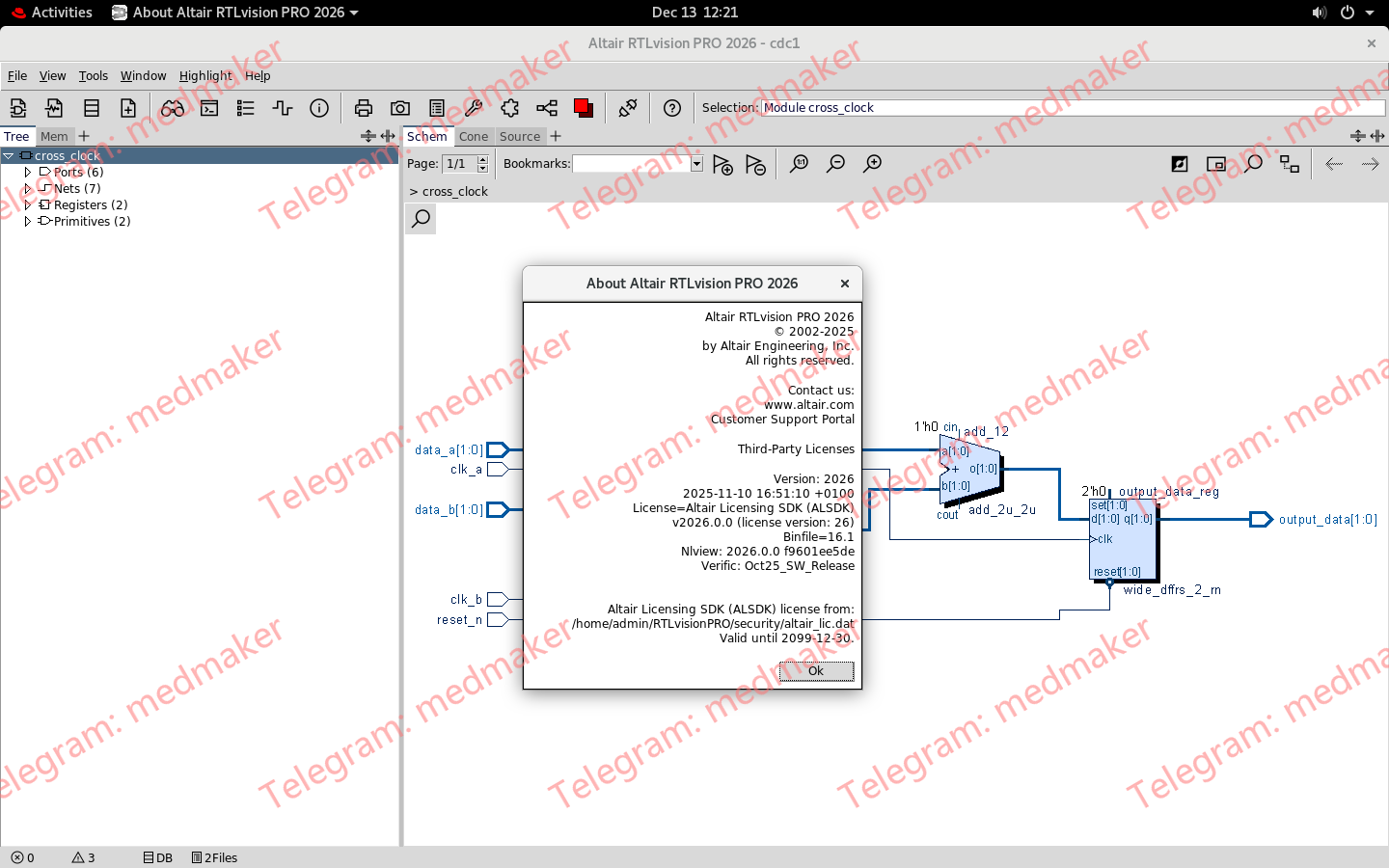
Altair RTLVision PRO 2026.0 Tested Picture
Design Comprehension
Interactive RTL Code Navigation – RTLvision PRO can read complex RTL code, and display the underlying circuits on the fly, providing engineers with an immediate understanding of design functionality. The tool includes fast navigation and graphic manipulation features, making it quick and easy to traverse even the largest SoC, tracking down key circuit elements.
IP Analysis – A key element of RTLvision PRO are powerful analysis features which make it easy to work with third party IP, reused code from old projects, and previous design revisions. Regardless of the language used to describe these blocks, the ability to adapt and configure them for specific design needs is an integral part of the tool. Regardless of whether your IP source is a recognized commercial supplier, or a college project, RTLvision PRO allows their quick and successful integration and customization.
Gate-Level Netlist Support: – RTLvision PRO also includes high-performance interfaces to gate-level netlist data provided as Verilog, EDIF 200, and LEF/DEF netlist files.
Advanced Debug and Analysis
Interactive Logic Cone – To accelerate debug, critical code portions can be graphically displayed in the Logic Cone Window. Developers can concentrate on critical code fragments, with links to the original HDL source code, while ignoring irrelevant design areas. This highly interactive view is specifically set up for root cause analysis, allowing engineers to automatically build up critical causal paths through a design, superimposing signals in time, to rapidly find bug drivers. Even the most complex of bugs may be repaired quickly and easily.
Smart Source Code Navigation – To accelerate RTL source code navigation, RTLvision PRO comes with a smart RTL code window with automatic cross probing to the schematic display and other design views. An intelligent “action bar” feature further accelerates code exploration. Depending on the currently selected RTL source code object, the action bar, for example, can automatically locate RTL code fragments that drive a specific signal, or quickly show all different occurrences of a specified signal.
Waveform Viewer and Signal Tracing – RTLvision PRO comes complete with a fully integrated waveform viewer as well as interactive signal tracing in the source code, schematic view and waveform window. RTLvision PRO compiles simulation data into its own high-speed data format for accelerated waveform browsing and signal tracing.
Specialized SoC Capability
Clock Tree Extraction – Clock signals are often a source of problems when integrating RTL code elements from different sources. RTLvision PRO automatically extracts and analyzes clock trees, providing an immediate view of the clock network and domains.
Abstract SoC View – Today’s SoCs, containing a myriad of IP blocks and complex interconnect, have reached complexities that make it very hard for engineers to understand component structure and interaction. RTLvision PRO automatically generates displays of complex design sections showing overall functional blocks with important information and structure. This provides a quick overview of the RTL code under investigation, which may be instantly flipped to reveal abstract or detailed information.
Documentation – The automated documentation features of RTLvision PRO allow new, changed and re-used RTL code to be quickly documented using Verilog schematic view, VHDL schematic view, PDF output, Postscript output, bitmap image and other formats. This allows design elements to be recorded for the future understanding of design elements for easy reuse with minimal engineering interruption.
Tool Customization
User Specific Customization – From specific project needs to an entire organization’s development standards, a Tcl based UserWare API allows the functionality of RTLvision PRO to be extended and tailored by CAD teams. RTLvision PRO comes with a complete range of specialized UserWare features to improve the entire use experience. These 100+ examples are available as source code and can be used as template code to accelerate customer specific projects.
UserWare Plugin Mechanism – In order to make it easy for organizations to manage and deploy customized tool features within an organization, RTLvision PRO comes with a smart UserWare plugin mechanism that makes it very easy to add and exchange new tool features within development teams and organizations.


Must log in before commenting!
Sign Up